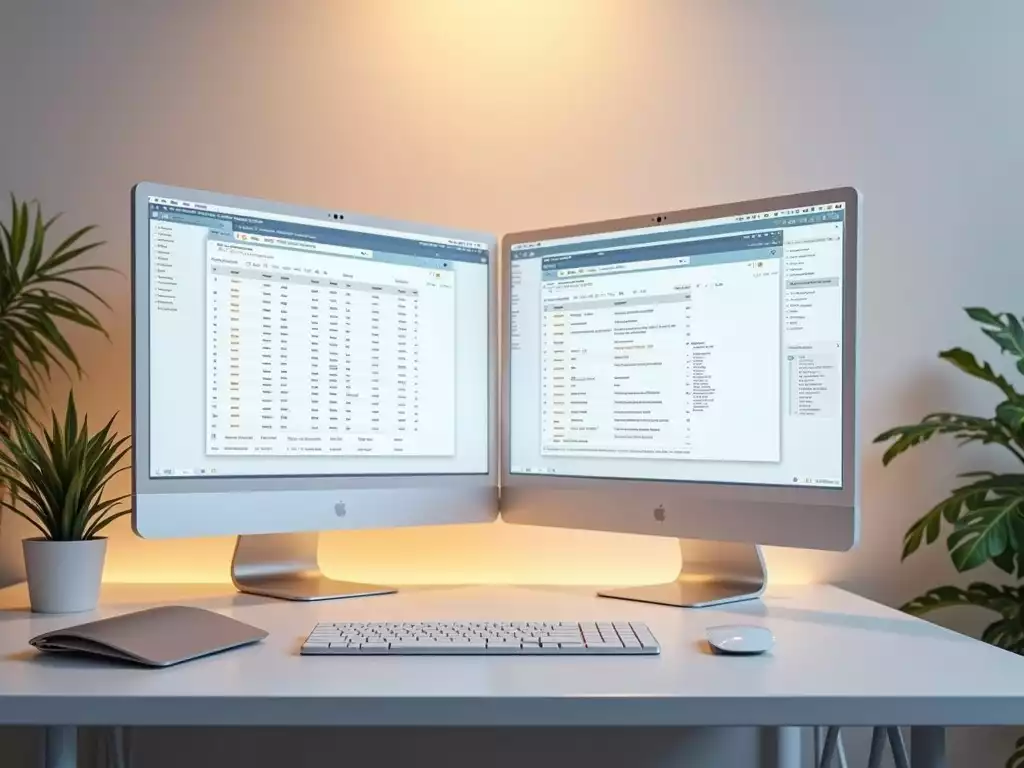
Dual Monitor Setup Made Simple
What if you could increase your productivity by up to 30% with a simple setup change? Embracing a dual monitor configuration might be the key you’re looking for!
What You Will Learn
- Dual monitors can enhance multitasking abilities by allowing you to work on one screen while referencing another.
- They improve focus by enabling you to minimize distractions on a separate monitor.
- Different professions can leverage dual monitors uniquely; for example, graphic designers can use one screen for design software and the other for resources.
- Utilizing extended desktop features allows monitors to act as a single workspace, optimizing workflow and productivity.
- Adjusting display settings and using taskbars across both screens can greatly enhance your user experience.
- Employing software tools like DisplayFusion can improve window management and overall efficiency.
- Implementing keyboard shortcuts and organizing tasks by screen can maximize your dual monitor setup’s potential.
Boost Productivity: Dual Monitor Impact & Workflow Enhancements
Unlock the full potential of your workspace with a dual monitor setup. This visual highlights key benefits and professional applications.
Productivity Boost
Studies show a significant **up to 30% productivity increase** with dual monitors, especially for multitasking.
Key Benefits
- Improved Multitasking
- Enhanced Focus
- Better Organization
Professional Use Cases
- Graphic Designers: Software + Resources
- Developers: Code + Docs/Debugging
- Financial Analysts: Multiple Reports
Optimization Steps
- Adjust Display Settings
- Use Taskbar Across Screens
- Organize Windows (Snap/Shortcuts)
Understanding the Benefits of a Dual Monitor Setup
In today’s fast-paced work environment, efficiency is key! A dual monitor setup can significantly enhance your productivity by expanding your digital workspace.
Imagine having multiple applications open at once, side by side—this not only saves time but also reduces the need for constant window switching.
When you take advantage of two monitors, you’re setting yourself up for success!
Moreover, studies have shown that using dual monitors can boost productivity by up to 30%. This is especially true for tasks that require multitasking, such as data entry or design work.
In a nutshell, implementing a dual monitor system is a smart investment for both personal and professional growth.
How Dual Monitors Can Enhance Productivity
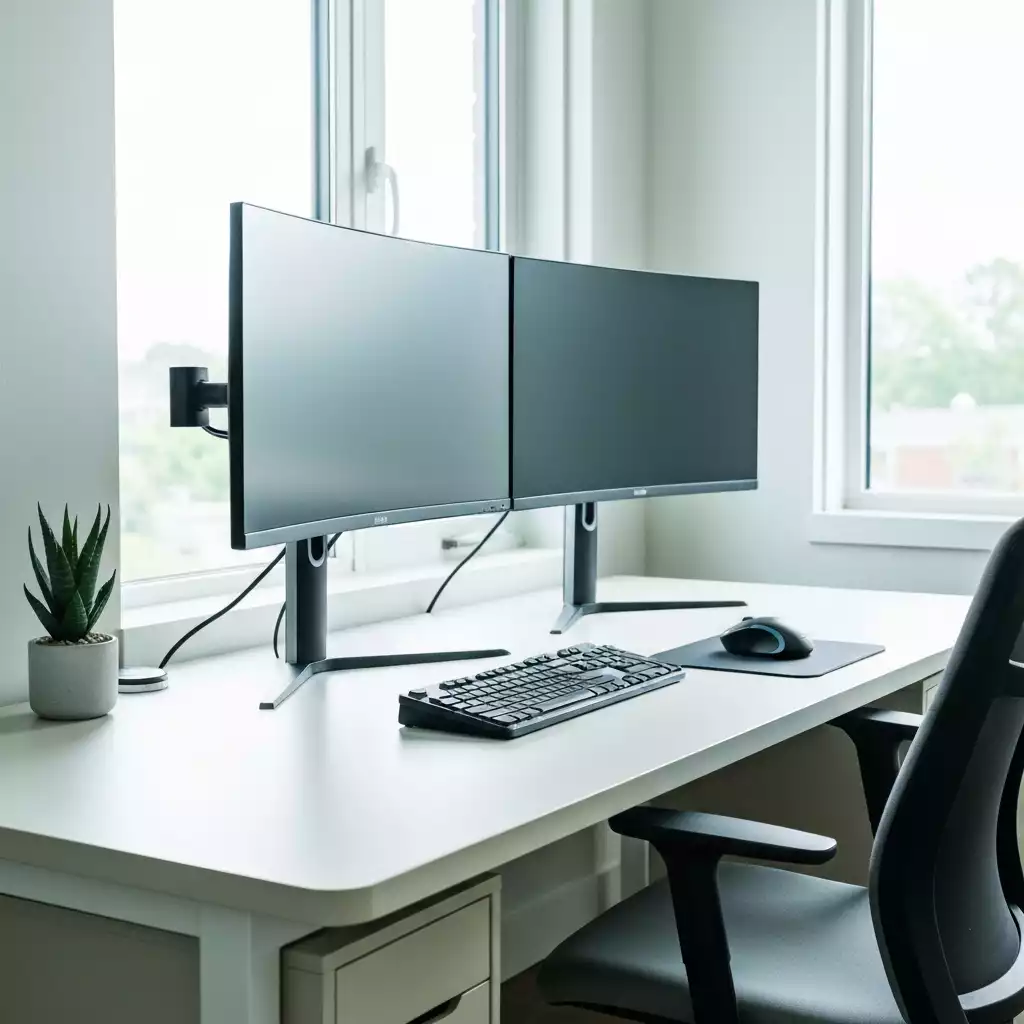
The benefits of having a dual monitor setup extend beyond just aesthetics; they fundamentally change how you work.
With two screens, you can easily compare data, reference materials, or communicate while working on your main project.
This kind of setup helps minimize errors and increases efficiency.
Here are some specific ways dual monitors enhance productivity:
- Improved Multitasking: Work on one screen while referencing another.
- Enhanced Focus: Keep distractions off one monitor while concentrating on the primary task.
- Better Organization: Arrange different programs or documents effectively for easy access.
Embracing this technology can truly transform your workday. You’ll find that the ability to spread out your tasks leads to better concentration and often, a calmer work environment.
Use Cases for Different Professions
Different professions can benefit from a dual monitor setup in unique ways. Whether you’re a designer, programmer, or a financial analyst, each field has specific use cases for having that extra screen. Here are some examples:
- Graphic Designers: Utilize one monitor for your design software and the other for tools and resources.
- Software Developers: Keep your code on one screen while having documentation or debugging tools on the other.
- Financial Analysts: Track multiple spreadsheets or financial reports simultaneously, greatly enhancing their ability to analyze complex data.
This versatility makes dual monitors an excellent choice for professionals who need to juggle multiple tasks effectively.
As someone who has worked with various clients, I can assure you that the feedback about increased efficiency is overwhelmingly positive!
Maximizing Workflow Optimization with Extended Desktop Features
To truly harness the power of a dual monitor setup, it’s essential to utilize the extended desktop feature. It allows you to set up your screens in a way that they act as a single workspace.
This can further streamline your workflow and improve your overall experience. Here’s how you can optimize your setup:
- Adjust Display Settings: Ensure that both monitors are properly calibrated for brightness and resolution.
- Use Taskbar Across Both Screens: This way, you can easily access your frequently used applications.
- Organize Your Windows: Learn to snap windows and make use of keyboard shortcuts to switch between applications seamlessly.
With these features, you can cater your workspace to fit your exact needs. I’ve found that the key is to customize your setup based on your workflows, what works for someone else might not work for you!
Pro Tip
To get the most out of your dual monitor setup, consider adopting a color-coded system for your applications. By assigning specific colors to different types of tasks, such as blue for communication tools and green for design software, you can quickly identify what you need on each screen, further enhancing your workflow and reducing clutter!
Frequently Asked Questions About Dual Monitor Setups
- Q: How much can a dual monitor setup increase productivity?
- A: Studies suggest that using dual monitors can increase productivity by up to 30%, especially for tasks that involve multitasking or referencing multiple documents.
- Q: What are the main benefits of a dual monitor setup?
- A: Key benefits include improved multitasking, enhanced focus by dedicating screens to specific tasks, and better organization of applications and documents.
- Q: Can dual monitors benefit all professions?
- A: Yes, dual monitors are versatile and can benefit various professions. For example, graphic designers use one screen for software and another for resources, developers use one for code and another for documentation, and financial analysts track multiple reports simultaneously.
- Q: What are extended desktop features, and how do they help?
- A: Extended desktop features allow your monitors to act as a single, continuous workspace, streamlining workflow. This includes adjusting display settings, extending the taskbar across screens, and organizing windows effectively.
- Q: Are there any specific software tools recommended for dual monitor users?
- A: Yes, tools like Display Fusion can help manage multiple screens and window positions, Magnet can snap windows into place, and Microsoft Power Toys offers customizable display settings for an enhanced experience.
Recap of Your Dual Monitor Setup Journey
As we conclude our exploration of setting up a dual monitor system, it’s essential to recap the key steps and tips to ensure you’re fully equipped to enjoy the productivity benefits.
From understanding the advantages of a dual monitor setup to selecting the right monitors, we covered a lot of ground! Here’s a quick rundown of what you need to remember:
- Choose monitors that fit your needs and workspace effectively.
- Ensure compatibility with your current hardware and cables.
- Set up your monitors physically, and configure your operating system settings.
- Optimize your layout for comfort and efficiency, always keeping ergonomic considerations in mind to prevent strain.
With these steps in mind, you’re well on your way to creating a dual monitor setup that enhances your workflow and makes multitasking a breeze!

Are You Ready to Boost Your Productivity with Dual Monitors?
By now, you might be thinking, “Is a dual monitor setup right for me?” Well, if you often find yourself toggling between applications or struggling to keep your workspace organized, the answer is a resounding yes!
Dual monitors can significantly streamline your tasks and save you time.
Imagine having your primary work application open on one screen while you reference research, emails, or collaborative tools on the other.
This setup can transform how you work, allowing for a smoother flow of information and increased focus!
Engaging Further: Next Steps for Your Setup
Incorporating Visuals: Diagrams and Comparisons
To further enhance your understanding, consider incorporating visuals into your workspace setup. Diagrams can provide clarity on how to arrange your monitors and where to position your cables. It’s all about making your workspace both functional and visually appealing!
- Use diagrams to visualize the layout of your monitors.
- Create comparisons of different configurations to see what works best for you.
- Incorporate color coding for your cables to maintain a clean look.
Remember, the more organized your setup, the more efficient you’ll be in your daily tasks!
Exploring Software Tools for Enhanced Functionality
Once your monitors are set up, it’s time to explore software tools that can enhance your multi-monitor experience. From window management applications to productivity tools, there are plenty of options to consider. Some of my favorites include:
- DisplayFusion for managing multiple screens and window positions.
- Magnet for snapping windows into place easily.
- Microsoft PowerToys to customize your display settings.
These tools can significantly improve how you interact with your dual monitors, making it easier to stay organized and productive!
Productivity Tips for Dual Monitor Users: Getting the Most Out of Your Setup
Finally, let’s talk about some productivity tips tailored specifically for dual monitor users. To truly maximize your setup, consider the following:
- Utilize keyboard shortcuts to switch between screens quickly.
- Organize tasks based on the monitor – for example, keep communication tools on one screen and work applications on the other.
- Take regular breaks to avoid fatigue – this is crucial when you’re constantly looking at multiple screens.
By implementing these strategies, you’ll not only enhance your productivity but also create a more enjoyable workspace. Remember, the goal is to work smarter, not harder!
Recap of Key Points
Here is a quick recap of the important points discussed in the article:
- A dual monitor setup can enhance productivity by expanding your digital workspace.
- Improved multitasking, focus, and organization are key benefits of using dual monitors.
- Different professions can leverage dual monitors for specific tasks, increasing efficiency.
- Utilize extended desktop features to optimize your dual monitor setup for better workflow.
- Incorporate visuals and software tools to enhance your multi-monitor experience.
- Implement productivity tips tailored for dual monitor users for maximum efficiency.