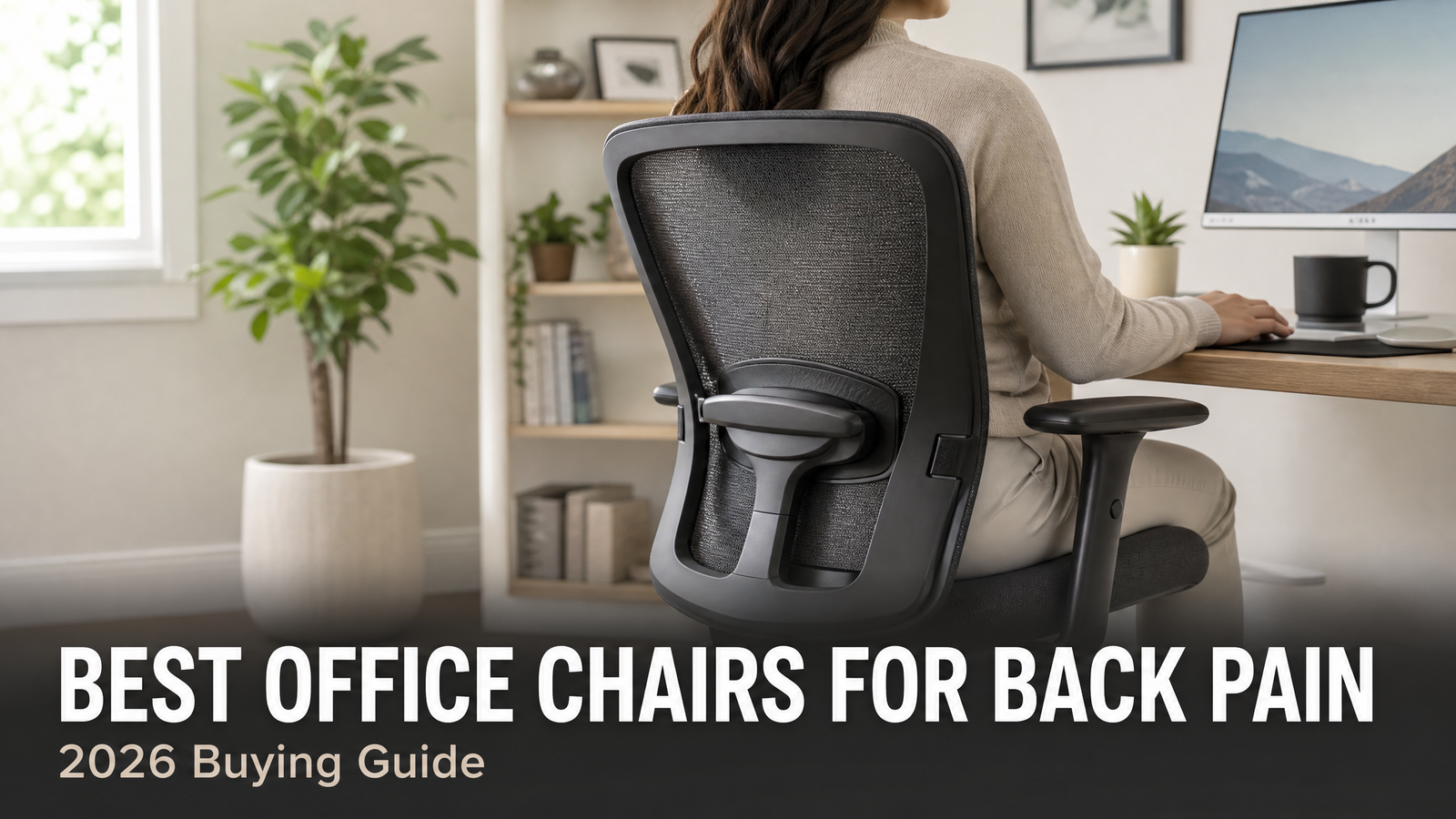
Best Office Chairs for Back Pain
Last updated: July 26, 2026
Quick Answer: The Best Office Chairs for Back Pain is one with adjustable lumbar support that fills the natural inward curve of your lower spine, a seat that keeps your hips level with or slightly above your knees, and a locking recline so you can shift load off your back through the day.
For most people in 2026 the LiberNovo Omni SE is our top pick, while the Steelcase Leap V2 is the premium choice and the Sunaofe Atlas stands out for its dynamic lumbar system. The right chair helps, but it works best alongside good posture habits and regular movement.
Important: This guide is for general information only and is not medical advice. Persistent, severe, or radiating back pain — especially pain with numbness, tingling, or weakness in the legs, should be assessed by a doctor or physical therapist. A chair can support good posture, but it cannot diagnose or treat a medical condition.
Key Takeaways
- Adjustable lumbar support is the single most important feature for back pain, it should let you set both the height and depth of the support to match your spine.
- A seat with high-density foam and adjustable depth keeps pressure off your tailbone and the backs of your thighs, which matters for sciatica and hip pain.
- A locking recline lets you periodically lean back and decompress your lower spine instead of holding one fixed position all day.
- The LiberNovo Omni SE is our best overall for back pain, with manual lumbar adjustment and a 105°–160° locking recline plus footrest.
- On a budget, the Patiomage Mesh and Boulies OP180 deliver meaningful support for far less than premium brands.
- A chair is one part of the solution, posture, movement breaks, and professional advice for ongoing pain matter just as much.
🛒 Check Price of Our Top Pick on Amazon
Best Office Chairs for Back Pain at a Glance
| Chair | Best For | Approx. Price | Key Back-Support Feature |
|---|---|---|---|
| LiberNovo Omni SE | Best overall for back pain | Check listing | Manual lumbar + 105°–160° recline |
| Steelcase Leap V2 | Best premium | ~$1,595 | LiveBack mirrors spine movement |
| Herman Miller Aeron | Best for upright posture | ~$1,795 | PostureFit SL (sacrum + lumbar) |
| Sunaofe Atlas | Best dynamic lumbar (mid-premium) | $499.99 | Adaptive dynamic lumbar technology |
| Patiomage Mesh | Best value | Budget–mid | Dynamic lumbar + breathable mesh |
| Boulies OP180 | Best under $300 | $289.99 | Supportive mesh back, 6-way adjust |
Prices are approximate and change often — confirm on the retailer listing.
What to Look For in an Office Chair for Back Pain
Not every “ergonomic” chair actually helps a sore back. These are the features that make the real difference.
Adjustable lumbar support (the non-negotiable)
Your lower spine curves inward, and the job of lumbar support is to fill that gap so your back muscles do not have to hold you upright all day. The best chairs let you adjust both the height and depth of the support, because a fixed bump in the wrong place can make pain worse. If you only prioritize one feature, make it this one.
Seat height and hip-to-knee angle
Aim to sit with your hips level with or slightly above your knees and your feet flat on the floor. Sitting too low rotates your pelvis backward and flattens the lumbar curve, which strains the lower back. Adjustable seat height is essential to get this right.
Seat depth and cushion
There should be roughly two to three finger-widths between the front edge of the seat and the back of your knees. A seat that is too deep presses behind the knees and encourages slouching; one that is too shallow gives your thighs no support. High-density foam or well-tensioned mesh keeps pressure off your tailbone — important for tailbone and sciatica discomfort.
Recline and movement
Staying in one position loads the same structures for hours. A locking recline lets you lean back and transfer weight off your lumbar discs periodically. Chairs that move with you, like the Steelcase LiveBack or a dynamic lumbar system, keep support constant as you shift.
Adjustable armrests
Supported arms take load off your neck, shoulders, and upper back. Armrests that adjust in height (and ideally width and depth) let your shoulders relax rather than hunch.
Top Picks for Back and Lower Back Pain
1. LiberNovo Omni SE — Best Overall for Back Pain
The LiberNovo Omni SE combines the two things a sore back needs most: adjustable lumbar support and the ability to change position often. Its multi-segment Bionic FlexFit backrest with manual lumbar adjustment lets you dial in support depth, while the 105° to 160° locking recline and integrated footrest let you decompress your lower spine during breaks. Multi-density foam spreads pressure evenly so hot spots do not build up over a long day.
Best for: anyone who sits long hours and wants adjustable support plus real recline. Read our LiberNovo Omni SE review.
2. Steelcase Leap V2 — Best Premium Chair for Back Pain
The Steelcase Leap V2 (around $1,595 new, less refurbished) is a longtime favorite among people with back issues because its LiveBack technology flexes to mirror your spine as you move, keeping support continuous instead of fixed. Deep adjustability, lumbar, seat depth, arms, recline tension — means almost anyone can fine-tune a pain-reducing fit, and it is built to last a decade of daily use.
Best for: those who want a proven, buy-once chair. See our Leap V2 vs Aeron comparison.
🛒 Check Steelcase Leap V2 Price | Check Aeron Price
3. Sunaofe Atlas — Best Dynamic Lumbar Without the Premium Price
The Sunaofe Atlas ($499.99) brings dynamic lumbar technology that adapts to your spine’s movement into a mid-premium package, along with a fully adjustable headrest and breathable mesh. Backed by workspace manufacturer SUNON, it is one of the more compelling options for serious back support without paying $1,000-plus.
Best for: people who want adaptive lumbar support at half the price of the big premium names. Read the Sunaofe Atlas review.
4. Patiomage Ergonomic Mesh — Best Value for Back Support
The Patiomage Ergonomic Mesh Office Chair punches above its budget-to-midrange price with a dynamic lumbar system that follows your spine’s curve, 3D armrests, and a breathable mesh build. It is a smart choice for home workers who want adjustable spinal support and pressure relief without premium-brand cost.
Best for: value seekers prioritizing adjustable lumbar and breathability. Read the Patiomage review.
5. Boulies OP180 — Best Under $300
At $289.99, the Boulies OP180 gives you a supportive breathable mesh back, high-density foam seat, and 6-way adjustability, supporting up to 160kg and fitting users from 5’1″ to 6’3″.
It lacks a dedicated lumbar cushion, so if your pain is specifically lumbar you may want to add a small lumbar pillow — but as an affordable, well-built base it is hard to beat.
Best for: tight budgets and larger or taller users. Read the Boulies OP180 review.
Back Pain vs Sciatica vs Hip Pain: What Changes?
Different kinds of pain call for slightly different priorities in a chair. Here is how to think about it.
| Concern | What Helps Most in a Chair | Watch Out For |
|---|---|---|
| Lower back pain | Adjustable lumbar depth/height, locking recline | Fixed lumbar bumps in the wrong spot |
| Sciatica / tailbone | High-density or pressure-relieving seat, seat-depth adjust | Hard or overly deep seats |
| Hip pain | Hips slightly above knees, waterfall seat edge | Seat too low, sharp front edge |
These are general comfort guidelines, not treatment recommendations. If pain radiates down a leg or comes with numbness or weakness, see a professional.
How to Set Up Your Chair to Reduce Back Pain
- Set seat height so your feet are flat and your hips are level with or slightly above your knees.
- Adjust the lumbar support so it fills the inward curve of your lower back — not too high, not jabbing.
- Set seat depth to leave two to three finger-widths behind your knees.
- Position armrests so your elbows rest near 90° with relaxed shoulders.
- Set a working recline of about 100–110°, and lean into a deeper recline during breaks to decompress.
- Get up and move roughly every 30 minutes — movement matters as much as the chair. See our long-hours comfort guide.
When a Chair Is Not Enough
An ergonomic chair can remove a lot of the strain that contributes to back pain, but it is not a cure. If your pain is severe, lasts more than a few weeks, wakes you at night, or comes with numbness, tingling, or weakness in your legs, that is a signal to see a doctor or physical therapist rather than to keep shopping for chairs. Used well, a good chair supports a broader plan, movement, strengthening, and professional guidance, rather than replacing it.
FAQ
What is the best office chair for lower back pain?
For most people, the LiberNovo Omni SE is our top pick thanks to its adjustable manual lumbar and wide locking recline. If budget is no object, the Steelcase Leap V2 is the premium benchmark; for adaptive lumbar at a lower price, the Sunaofe Atlas is excellent.
Does lumbar support actually help back pain?
Well-fitted, adjustable lumbar support can reduce the muscle strain and slouching that contribute to lower-back discomfort during long sitting. The key word is adjustable — support set to the wrong height or depth can feel worse than none, so the ability to fine-tune it matters.
Is a mesh or cushioned chair better for back pain?
Both can work. What matters more than the material is proper lumbar support and a seat that keeps pressure off your tailbone. Mesh runs cooler; a dense cushion can feel more supportive for some. Choose based on your body and climate.
Can the right office chair help with sciatica?
A chair with a pressure-relieving seat and adjustable seat depth can reduce the compression that aggravates sciatica while sitting, but sciatica is a medical issue that should be evaluated by a professional, especially if pain radiates down the leg.
How should I sit to avoid back pain at a desk?
Sit with feet flat, hips slightly above knees, lumbar support filling your lower-back curve, elbows near 90°, and screen at eye level. Then change posture regularly — no single position is healthy for hours on end.
Do I need an expensive chair to help my back?
No. Budget options like the Patiomage Mesh and Boulies OP180 offer real, adjustable support. Premium chairs add durability, finer adjustment, and movement technology, which can be worth it over years of daily use, but they are not the only path to a supported back.
Final Verdict
For Best Office Chairs for Back Pain in 2026, the LiberNovo Omni SE is our overall recommendation, adjustable lumbar, a wide locking recline, and a footrest that lets you decompress on breaks.
Premium buyers should look at the Steelcase Leap V2, while the Sunaofe Atlas delivers adaptive lumbar for far less, and the Patiomage and Boulies OP180 prove you do not have to overspend to get real support.
Whatever you choose, pair it with good setup, regular movement, and, for ongoing pain, professional advice.
🛒 Check Price of the LiberNovo Omni SE on Amazon
This article is informational and not a substitute for professional medical advice.