Relieving Office Chair Back Pain
As we spend more hours seated at our desks, the impact on our back health becomes increasingly evident. Understanding the causes of office chair back pain can help you take proactive steps toward a more comfortable and productive work environment.
What You Will Learn
- Prolonged sitting can weaken core muscles and lead to back pain.
- Proper lumbar support is essential to maintain spinal alignment.
- Ergonomic chairs can significantly reduce discomfort and improve posture.
- Choosing between budget and premium chairs can affect long-term health outcomes.
- Regular stretching and movement are crucial for alleviating back tension.
- Employers can enhance workplace comfort through ergonomic assessments and training.
Office Chair Back Pain: Causes and Prevention
This visual summarizes key information regarding office chair back pain, its causes, and preventative measures, comparing aspects of chair selection and ergonomic strategies.
Common Causes of Back Pain
- Prolonged Sitting
- Poor Posture
- Inadequate Lumbar Support
Ergonomic Chair Features
- Lumbar Support
- Seat Pan Tilt
- Adjustable Armrests
Budget vs. Premium Chairs
- Materials (Quality)
- Adjustability
- Design (Ergonomics)
Additional Strategies
- Posture Correction
- Stretching Breaks
- Regular Movement
Understanding Office Chair Back Pain: Causes and Symptoms
As someone who spends a lot of time working in an office, I understand how back pain can sneak up on you. It often begins as a slight discomfort and can escalate into something more severe if not addressed.
In this section, we’ll explore the common causes of back pain associated with office chairs, and how you can recognize the symptoms that may indicate your chair isn’t providing the support you need.
Common Causes of Back Pain from Office Chairs
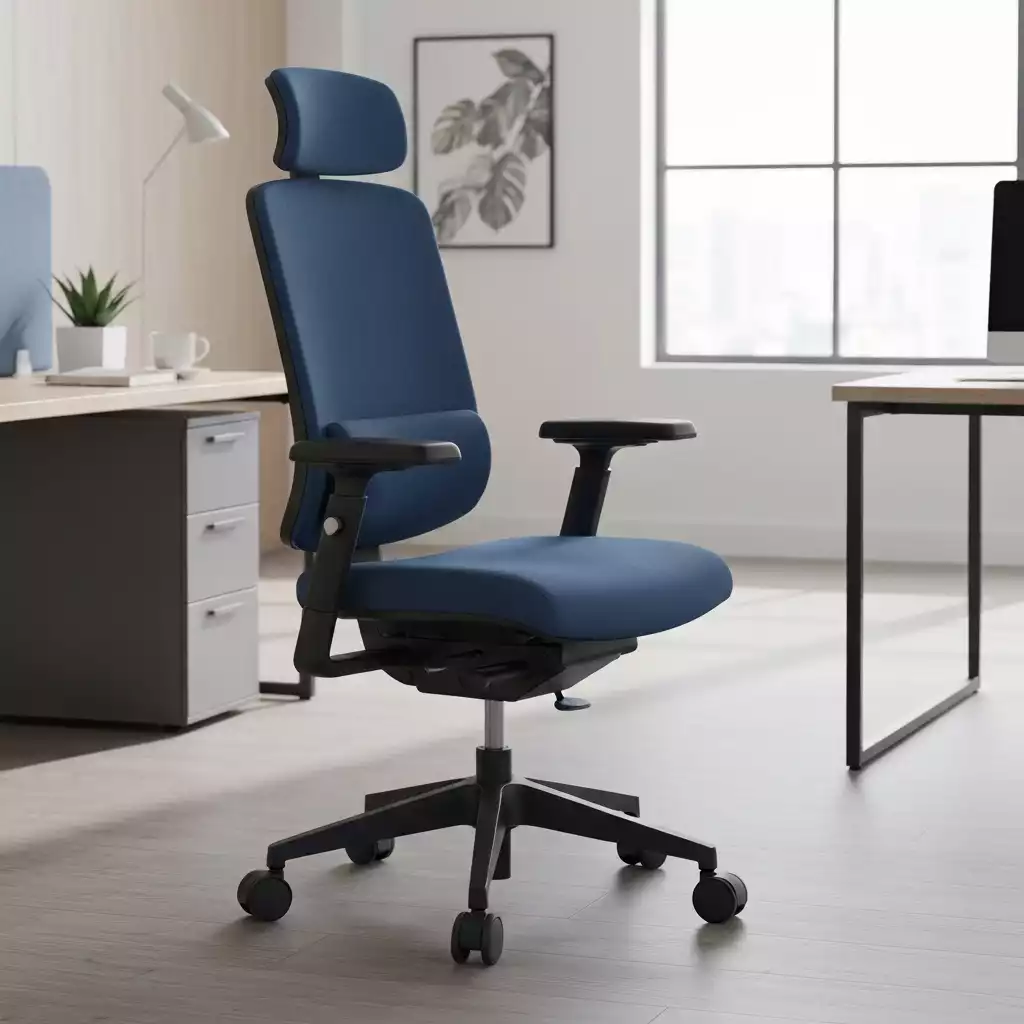
Prolonged sitting is a leading cause of back pain for many office workers. When we sit for extended periods, particularly in chairs that don’t support our bodies correctly, it can lead to muscle tension and discomfort.
Furthermore, poor posture can exacerbate these issues. Many of us tend to slouch forward or hunch our shoulders, which can put added strain on our backs.
- Prolonged Sitting: Staying seated for too long can weaken core muscles.
- Poor Posture: Slouching or hunching over your desk is a common culprit.
- Inadequate Lumbar Support: Chairs lacking proper support can lead to discomfort.
Additionally, inadequate lumbar support can result in a misalignment of the spine, which is a common trigger for back pain. It’s essential to be aware of these risk factors as they can affect anyone, regardless of their fitness level or age.
New research also suggests that dynamic chairs may outperform traditional chairs in promoting movement during prolonged seated work, potentially reducing discomfort.
The Role of Ergonomics in Preventing Back Pain
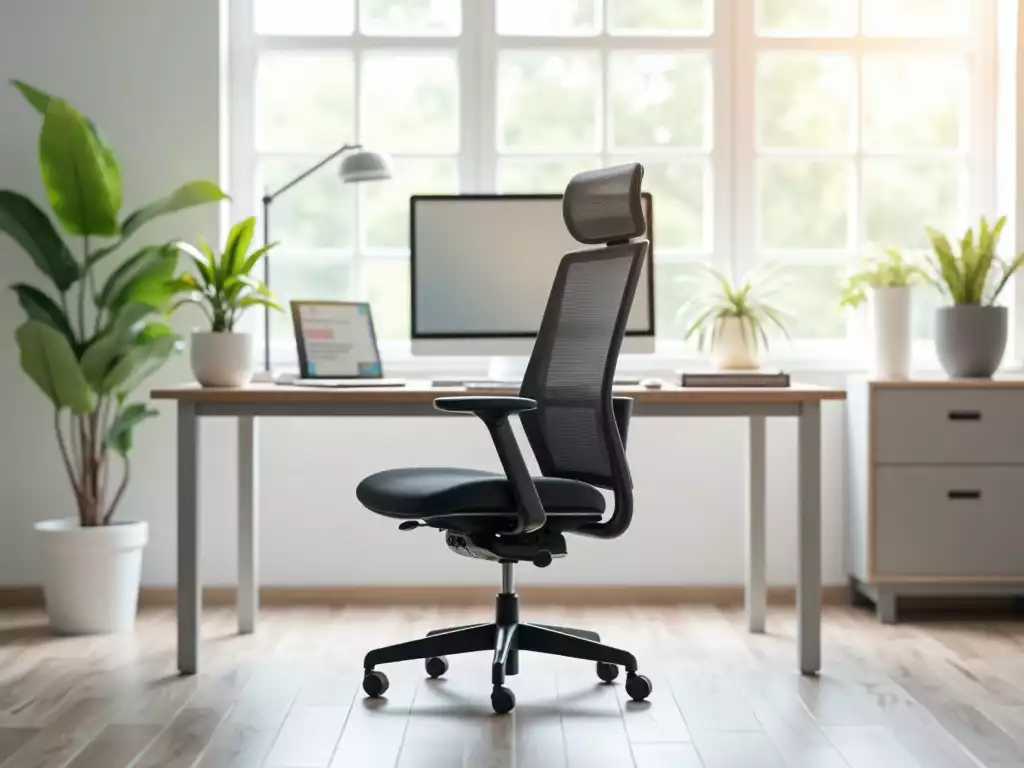
One of the most effective ways to combat back pain is by ensuring your office chair is ergonomic. Ergonomics focuses on designing the workspace to fit the user’s needs and promote health.
Features such as lumbar support, seat pan tilt, and adjustable components play a critical role in maintaining comfort and reducing strain on your back.
- Lumbar Support: Helps maintain the natural curve of your spine.
- Seat Pan Tilt: Adjusts the angle of the seat to promote proper posture.
- Adjustable Armrests: Support your arms and prevent shoulder tension.
Incorporating ergonomic features into your office setup can make a significant difference in your overall comfort. When your chair supports your body correctly, you’re less likely to experience discomfort, which can lead to a more productive workday!
Pro Tip
Did you know? Regularly alternating between sitting and standing while working can significantly reduce back pain and improve overall posture. Consider investing in a sit-stand desk or taking short breaks to stretch and walk around every hour. Your back will thank you!
Making Informed Choices for Long-term Back Health
When it comes to ergonomic office chairs, making an informed choice can significantly impact your back health. It’s essential to understand the differences between budget and premium chairs.
Budget chairs might seem like a quick fix, but they often lack essential features that support your spine properly.
On the other hand, premium chairs tend to offer superior lumbar support, adjustable components, and overall better material quality. Let’s dive deeper into these options!
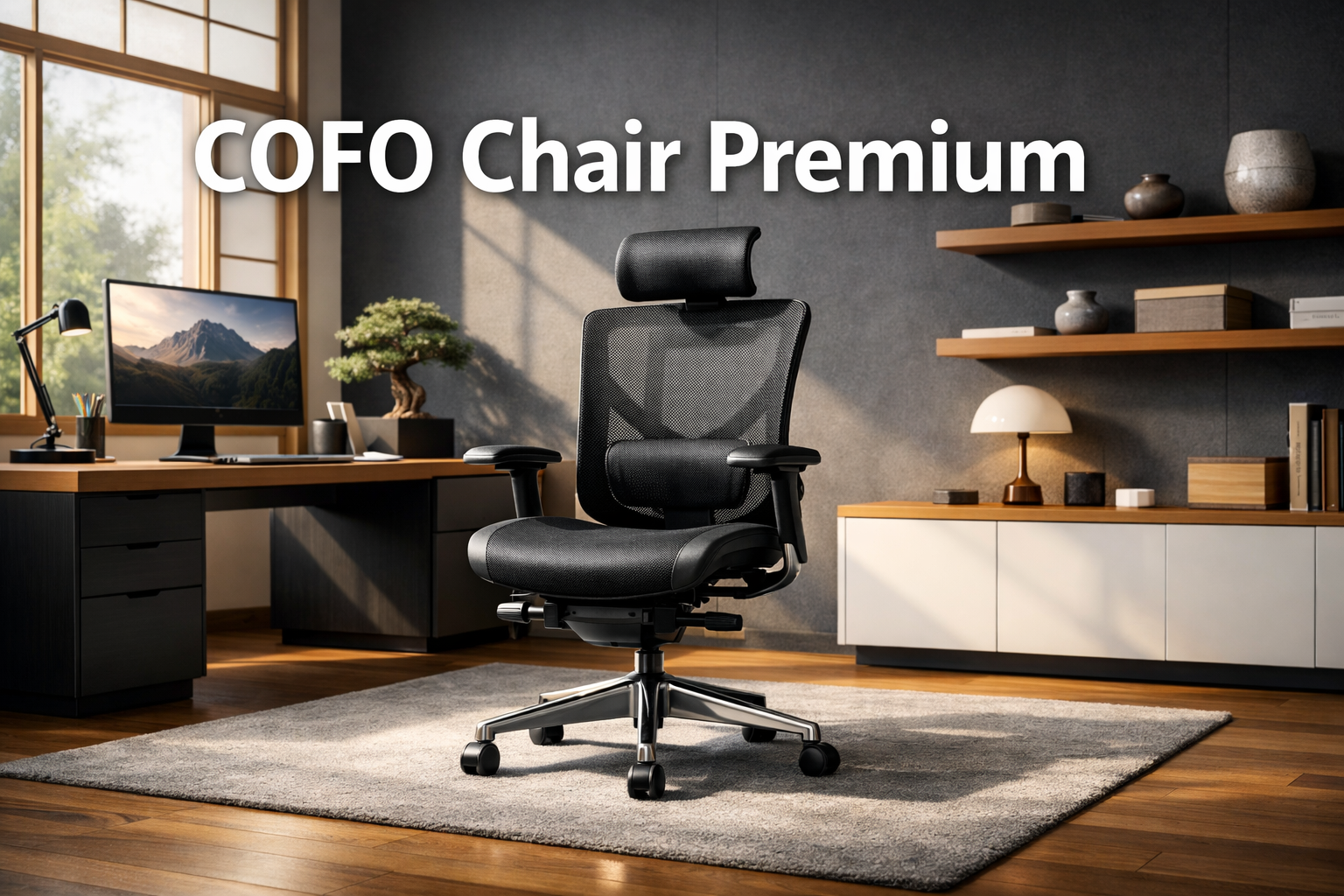
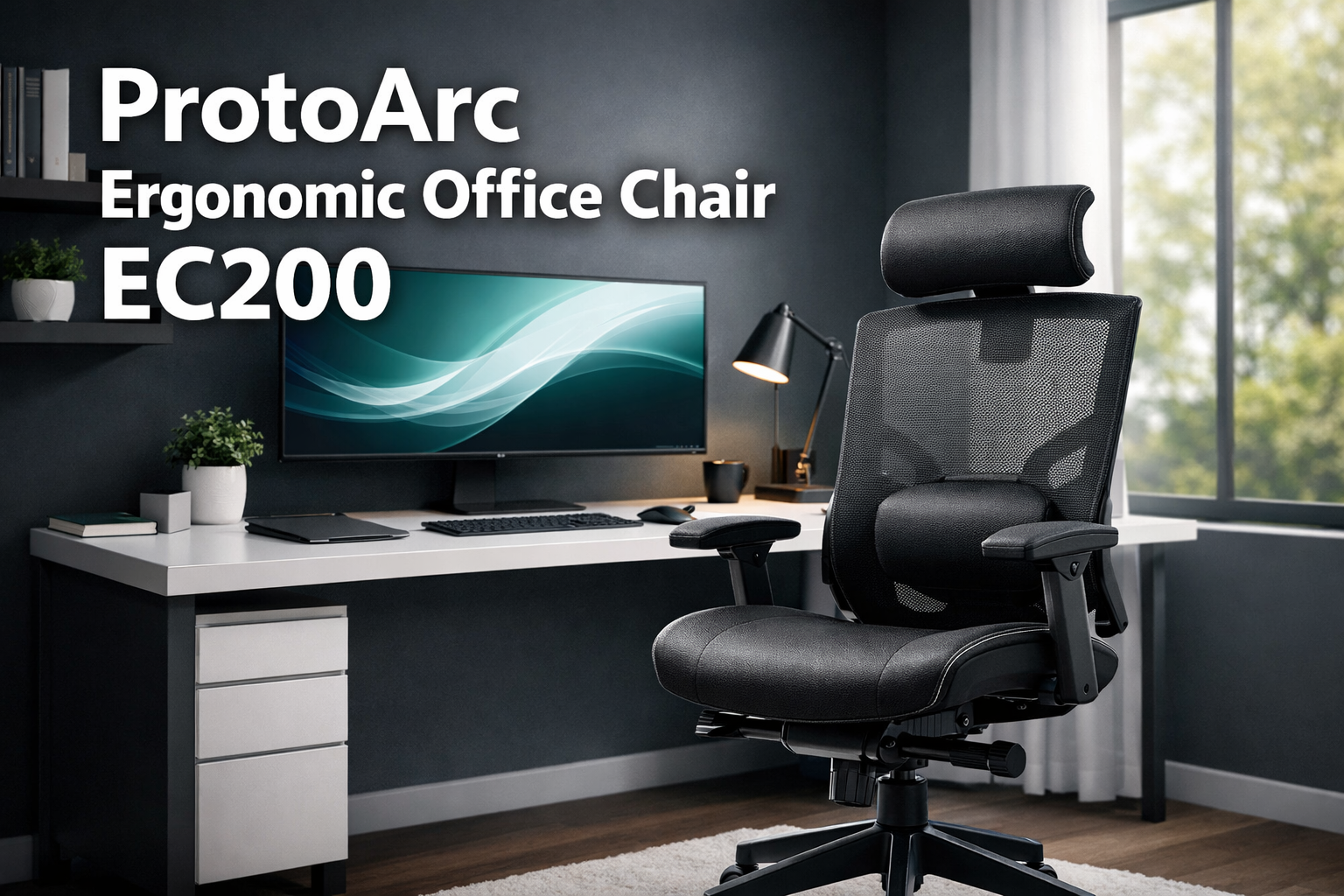
Understanding Your Options: Budget vs. Premium Chairs
Budget ergonomic chairs can save you some cash, but they may not provide the comfort you need during long hours at your desk. Premium chairs, while a larger investment, typically come with benefits that can improve your posture and reduce back pain. Here are some key differences:
- Materials: Premium chairs often use higher-quality materials that offer better durability and comfort.
- Adjustability: Look for features like adjustable armrests, lumbar support, and seat height that you may find lacking in lower-end options.
- Design: Premium chairs are designed with ergonomics in mind, making them more conducive to healthy posture.
- User testimonials: Many users report significant improvements in back pain after switching to a premium chair.
Research consistently shows that investing in a quality chair can lead to better long-term health outcomes.
As someone who values the connection between comfort and productivity, I encourage you to weigh these factors when making your decision.

Additional Strategies for Alleviating Back Pain
In addition to choosing the right chair, there are several effective strategies to help alleviate back pain.
Practicing good posture throughout the day is crucial, but it’s not always easy to remember.
Here are some practical tips to incorporate into your daily routine:
- Posture correction: Keep your feet flat on the floor and your knees at a right angle. Your back should be straight against the chair.
- Stretching: Take short breaks every hour to stretch your back, neck, and shoulders to relieve tension. Consistent physical activity, including stretching, has been shown to reduce sedentary behavior and improve physical function.
- Movement: Incorporate walking or light exercises into your day to get your blood flowing and counteract the stiffness from sitting.
Implementing these strategies can greatly improve your comfort level and enhance your overall work experience. As someone who’s spent countless hours at a desk, I know how important it is to be proactive about your comfort.
The Role of Occupational Health in Office Ergonomics
Occupational health plays a vital role in creating ergonomic work environments that mitigate health risks associated with prolonged sitting.
Companies are increasingly adopting ergonomic practices that not only enhance employee comfort but also boost productivity. Here are some key considerations:
- Workstation assessments: Regular evaluations can identify ergonomic risks and recommend tailored solutions.
- Training programs: Educating employees about proper posture and equipment usage can significantly reduce discomfort.
- Policy development: Encouraging movement breaks and flexible work arrangements fosters a healthier workplace culture.
By focusing on these practices, employers can create a work environment that prioritizes health and minimizes discomfort. As someone who believes in the power of a supportive workplace, I see these strategies as essential for long-term well-being.
Frequently Asked Questions (FAQs)
- Q1: What are the main causes of back pain from office chairs?
- A1: The primary causes include prolonged sitting, poor posture, and inadequate lumbar support from your office chair.
- Q2: How can an ergonomic chair help prevent back pain?
- A2: Ergonomic chairs provide features like adjustable lumbar support, seat pan tilt, and adjustable armrests that help maintain proper spinal alignment and reduce strain on your back.
- Q3: Is it worth investing in a premium ergonomic chair?
- A3: Yes, premium chairs often offer better quality materials, more adjustability, and superior ergonomic design, leading to better long-term health outcomes and greater comfort compared to budget options.
- Q4: What are some additional strategies to alleviate back pain besides choosing the right chair?
- A4: Regular posture correction, taking frequent stretching breaks, and incorporating movement into your daily routine are crucial for alleviating back tension and improving overall comfort.
- Q5: What role do employers play in preventing office chair back pain?
- A5: Employers can conduct workstation assessments, provide ergonomic training to employees, and develop policies that encourage movement breaks and healthy work habits to foster a supportive and ergonomic workplace.
Take Action Towards Pain-Free Sitting
Your Next Steps for a Healthier Workspace
Now that you’ve learned about the importance of ergonomic chairs and strategies to alleviate back pain, it’s time to take action!
Start by assessing your current office setup. Ask yourself: Is my chair supporting me properly? Are my desk and workstation ergonomically designed?
Exploring ergonomic chair options tailored to your needs can be the first step towards a more comfortable work life.
Join the Conversation on Office Chair Solutions
I invite you to share your experiences and tips in the comments below! Let’s create a community around the challenges of office seating and the solutions that work for us.
Together, we can learn from one another and find ways to improve our back health while working. Your insights could help someone else who is struggling with similar issues!
Recap of Key Points
Here is a quick recap of the important points discussed in the article:
- Prolonged Sitting: Extended periods of sitting can weaken core muscles and lead to back pain.
- Poor Posture: Slouching or hunching can exacerbate discomfort in your back.
- Ergonomic Features: Look for chairs with lumbar support, seat pan tilt, and adjustable armrests to promote proper posture.
- Invest in Quality: Premium ergonomic chairs offer better materials, adjustability, and design for long-term back health.
- Movement and Stretching: Incorporate regular breaks, stretching, and light exercises to alleviate tension from sitting.
- Occupational Health Practices: Companies should conduct workstation assessments, provide training, and promote a culture of movement to enhance employee comfort.