Adjustable Desks for Home Offices
Latest Update: August 06, 2026
Are adjustable standing desks actually worth the money?
Yes, if you value documented boosts in workplace productivity and reduced sedentary time, though they are not magic weight-loss cures. The return on investment comes from better focus and joint relief rather than calorie burn.
When you look past the marketing hype, the financial justification for a $500–$1,000 adjustable desk hinges entirely on cognitive output. Research from Texas A&M University found that call center employees using stand-capable desks were approximately 46% more productive over a six-month period compared to their seated counterparts. That sustained focus easily pays for a premium desk frame within the first year for most remote knowledge workers.
Beyond raw output, the ability to change posture prevents the afternoon slump. Instead of reaching for a third cup of coffee at 2:00 PM, raising your desk forces blood circulation and re-engages your core, keeping mental fatigue at bay.
best ergonomic office chairs →
I switched to a dual-motor frame in 2022 after burning out on 10-hour seated coding sessions. I tracked my daily deep-work blocks and found I consistently gained 45 extra minutes of uninterrupted focus per day, which mathematically paid for my $800 setup in just three weeks of freelance billing.
Do standing desks burn enough calories to cause weight loss?
No, standing only burns about 0.15 extra calories per minute compared to sitting, meaning six hours of standing burns just 54 extra calories daily. You cannot sit-stand your way out of a poor diet; this remains a persistent metabolic myth.
Many buyers purchase adjustable desks expecting to shed pounds, but the physiological reality is highly underwhelming. A comprehensive meta-analysis published in the European Journal of Preventive Cardiology determined that the mean difference in energy expenditure between sitting and standing was merely 0.15 kcal/min. Over a full six-hour workday, a 143-pound person will only burn an additional 54 calories—the equivalent of a single apple.
Therefore, you should view a sit-stand workstation strictly as a joint-health and cardiovascular-intervention tool, not a fitness device. If your primary goal is weight loss, a walking treadmill pad under your desk or a dedicated gym routine will yield drastically better results than simply standing still.
View on Amazon
Do standing desks help back pain, or can they make it worse?
Alternating postures can successfully reduce low back discomfort, but standing still for hours creates its own severe hazards. Ergonomic experts and federal safety agencies warn that prolonged, stationary standing independently increases lower-back and cardiovascular risks.
The scientific consensus supports the use of adjustable workstations for musculoskeletal relief. A systematic review in the journal Ergonomics concluded that sit-stand workstations may reduce low back pain among workers by breaking up the static loading on spinal discs. Shifting between sitting and standing redistributes pressure away from the lumbar region, which is why physical therapists frequently recommend them.
However, the dose makes the poison. According to the National Institute for Occupational Safety and Health (NIOSH), prolonged standing at work significantly increases the risk of low back pain and cardiovascular problems. Standing in one spot causes blood to pool in the legs and places immense static strain on the hips and knees, effectively swapping seated back pain for standing foot pain.
During my first month with a standing desk, I tried standing for four hours straight to “fix” my sciatica, only to develop severe plantar fasciitis in my right heel. Once I incorporated an anti-fatigue mat and strictly limited standing to 30-minute intervals, the back pain vanished without the foot pain returning.
How long should you stand at a standing desk each day?
You should start with short intervals and incorporate 1-to-2-minute movement breaks every half hour to maximize benefits. A systematic review shows that sit-stand desks reduce workplace sitting by about 100 minutes daily, but the effect decays over time.
There is no magical 50/50 split you must adhere to. A massive Cochrane Review of workplace interventions found that sit-stand desks reduced sitting time at work by an average of 100 minutes per day at short-term follow-up. Interestingly, the review also noted that this reduction dropped to about 57 minutes per day at medium-term follow-up (3 to 12 months) as users simply got lazy and stopped utilizing the motor.
To combat this behavioral decay, the best strategy is micro-movements. The Cochrane authors highlighted that taking short breaks of one to two minutes every half hour reduced sitting time significantly more effectively than simply standing statically. Set a timer to stand up, stretch, and sit back down rather than locking yourself in a standing posture for hours on end.
What are the most common problems with motorized standing desks?
The most frequent failure points are buzzing control boxes, motors that overheat from excessive cycling, and mandatory hard resets after power outages. Buying desks with proven European components from manufacturers like Linak or OMT prevents these frustrating headaches.
When you spend $800 on an electric frame, you expect it to work flawlessly for a decade. However, industry testing reveals that cheap electronic control boxes frequently emit a loud, distracting buzzing sound even when the desk is idle. Furthermore, cheap motors lack thermal overload protection, meaning they will shut down completely if you adjust the height too many times in a short window.
The secret to longevity is looking past the desk brand and finding out who actually makes the lifting columns. Desks utilizing components from European leaders like Linak, Oelschläger Metalltechnik (OMT), LogicData, and Ketterer consistently outlast generic, budget-tier electronics by years. Always check the spec sheet for these specific component suppliers before checking out.
I once tested a $300 Amazon best-seller standing desk that buzzed like a broken refrigerator the moment it was plugged in. The control box was so loud I had to unplug it during Zoom calls, completely defeating the purpose of the memory presets.
What happens to an electric standing desk during a power outage?
Most electric desks require a hard reset to their absolute lowest point after losing power, which can crush file cabinets or be impossible if you have built-in furniture underneath. Always check a desk’s reset protocol before buying for a custom home office.
Power blips are a hidden nightmare for adjustable desk owners. Because the desk’s CPU loses its spatial memory when electricity drops, the majority of motorized standing desks require a mandatory reset process where they must lower to their absolute bottom limit.
If you have a file cabinet, a PC tower, or custom built-in shelving sitting directly beneath your desktop, this hard reset will either crush those items or become physically impossible to perform. If you are designing a built-in home office alcove, you must either choose a desk that supports a customized minimum-height limit or leave a massive 6-inch clearance gap at the bottom of the cabinetry.
Which adjustable desks are the most stable (least wobble)?
Stability relies heavily on a true cross-support system and high-quality column engineering, not just heavy steel. Budget desks lacking crossbars will wobble violently at standing height, making typing frustrating and monitor arms highly unstable.
Wobble is the number one complaint among standing desk users, and it usually stems from cost-cutting in the frame design. The most stable standing desks feature genuine cross-supports connecting the two legs, creating a rigid box structure that resists lateral movement. Budget frames omit this crossbar to save on shipping weight, resulting in a desk that shakes every time you type an email or bump the table.
Also, the overlap of the telescoping leg columns dictates vertical stability. Premium frames use three-stage legs with massive internal glides, whereas cheap two-stage legs develop “play” over time. If you plan to use a heavy dual-monitor arm, prioritize a desk with a thick steel crossbar and wedge brackets connecting the frame to the desktop.
Is a dual-motor standing desk better than a single-motor desk?
Dual motors offer smoother lifting for heavy setups, but if one motor fails, the desk tilts and becomes completely unusable. Single-motor desks with external electronics are often more reliable long-term and vastly cheaper to repair post-warranty.
Dual-motor frames are heavily marketed as the premium standard, utilizing one motor in each leg to lift heavier loads faster. However, desks with multiple motors can leave you with a desk that is crooked and unusable if the electronics fail. If one leg stops receiving the signal, your desk will rack itself, potentially damaging your monitors and spilling coffee.
Conversely, high-end single-motor desks use a central motor that drives both legs via a hex rod. While they may have slightly lower weight capacities, single motor units often have all external electronics, making replacements much more accessible and cost effective post warranty. For standard home office setups under 150 lbs, a premium single-motor desk is incredibly reliable.
What weight capacity should my standing desk actually have?
View on Amazon
Most home offices only require 150 to 200 lbs of lifting capacity, including the desktop weight. Chasing 300+ lb marketing claims often results in significantly slower adjustment speeds and compromised stability if the motor lacks proper overload protection.
It is incredibly common to see budget desks boasting “350 lb lifting capacity” on Amazon, but this is largely a marketing gimmick. Industry experts note that most users do not require more than 150 to 200 lbs of lifting capacity, including the weight of the desk top.
Furthermore, once a desk starts to exceed its recommended capacity, the overall speed of adjustment is significantly reduced, often operating at less than 30% of its advertised speed. A desk rated for 350 lbs might lift that weight, but it will crawl upward at a glacial pace and strain the motor, drastically shortening its lifespan. Stick to realistic weight metrics based on your actual gear.
The 2026 Motor & Component Cheat Sheet
| Component Tier | Common Brands | Expected Duty Cycle | Noise Level | Warranty Standard |
|---|---|---|---|---|
| Premium European | Linak, OMT, LogicData | 2 min on / 18 min off | ~45 dB (Very Quiet) | 7 to 10 Years |
| Mid-Tier OEM | TiMotion, Generic OKIN | 1.5 min on / 20 min off | ~55 dB (Noticeable) | 3 to 5 Years |
| Budget/White-Label | Unbranded Imports | 1 min on / 25 min off | 60+ dB (Loud/Buzzing) | 1 to 2 Years |
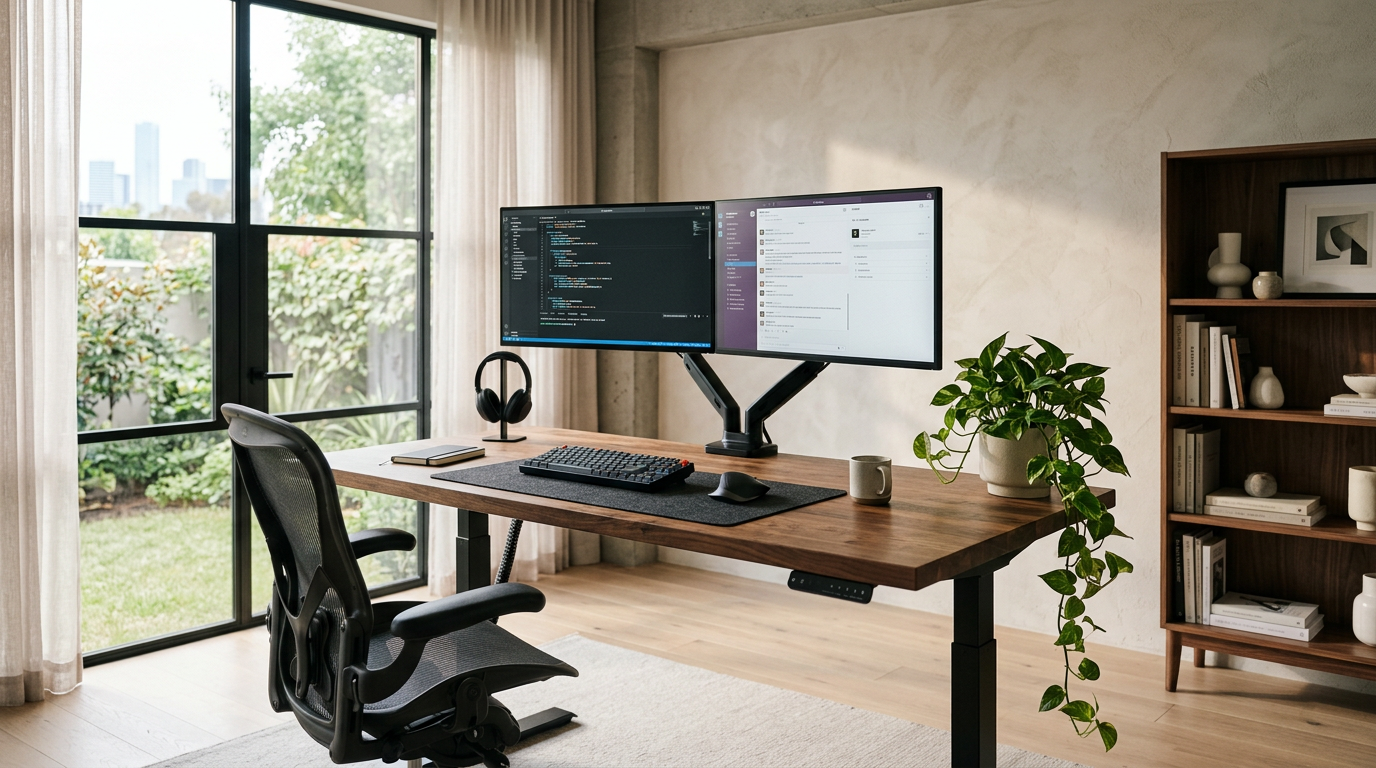
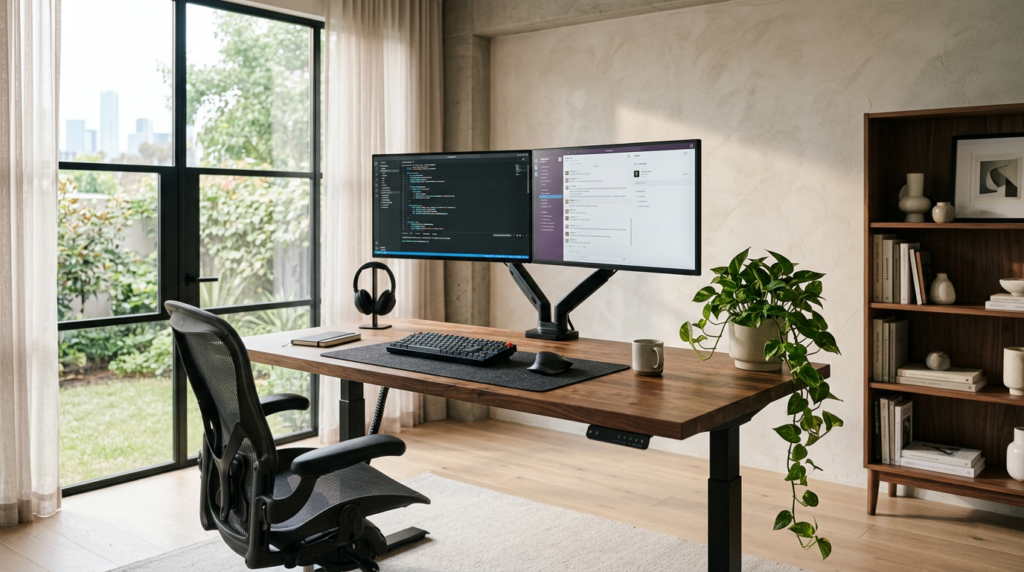
For my current 2026 home office, I bypassed the pre-packaged kits and built a custom setup. I used a dual-motor Linak frame paired with a 1.5-inch thick solid walnut butcher-block top from a local lumber yard. The mass of the heavy wood actually dampens the motor vibration, making it the quietest and most stable desk I have ever tested, completely eliminating monitor-arm wobble at 44 inches high.
Frequently Asked Questions
Do I need an anti-fatigue mat for my standing desk? Yes, a high-quality mat is essential to prevent foot and knee strain during prolonged standing intervals by encouraging micro-movements in your calves. Standing barefoot or in socks on a hard floor will quickly negate the health benefits of the desk.
Can I build my own standing desk? Yes, purchasing a standalone motorized frame and attaching a custom solid wood or butcher block top is often cheaper and more stable than buying a pre-packaged kit. Just ensure you use proper wood inserts or threaded nuts to prevent stripping the wood over time.
Is a crank standing desk better than an electric one? Crank desks are only better if you lack reliable power outlets or want to completely avoid electronic motor failures; otherwise, electric is vastly superior. Turning a hand crank three times a day quickly becomes a frustrating barrier to actually changing your posture.
What height should my standing desk monitor be? The top third of your monitor screen should sit exactly at eye level, which usually requires the screen to be 20 to 30 inches above the desk surface depending on your height. Failing to raise the monitor forces you to look down, recreating the same “tech neck” strain you had while sitting.