What is the Best Desk For a Home Office
Last updated: June 5, 2026
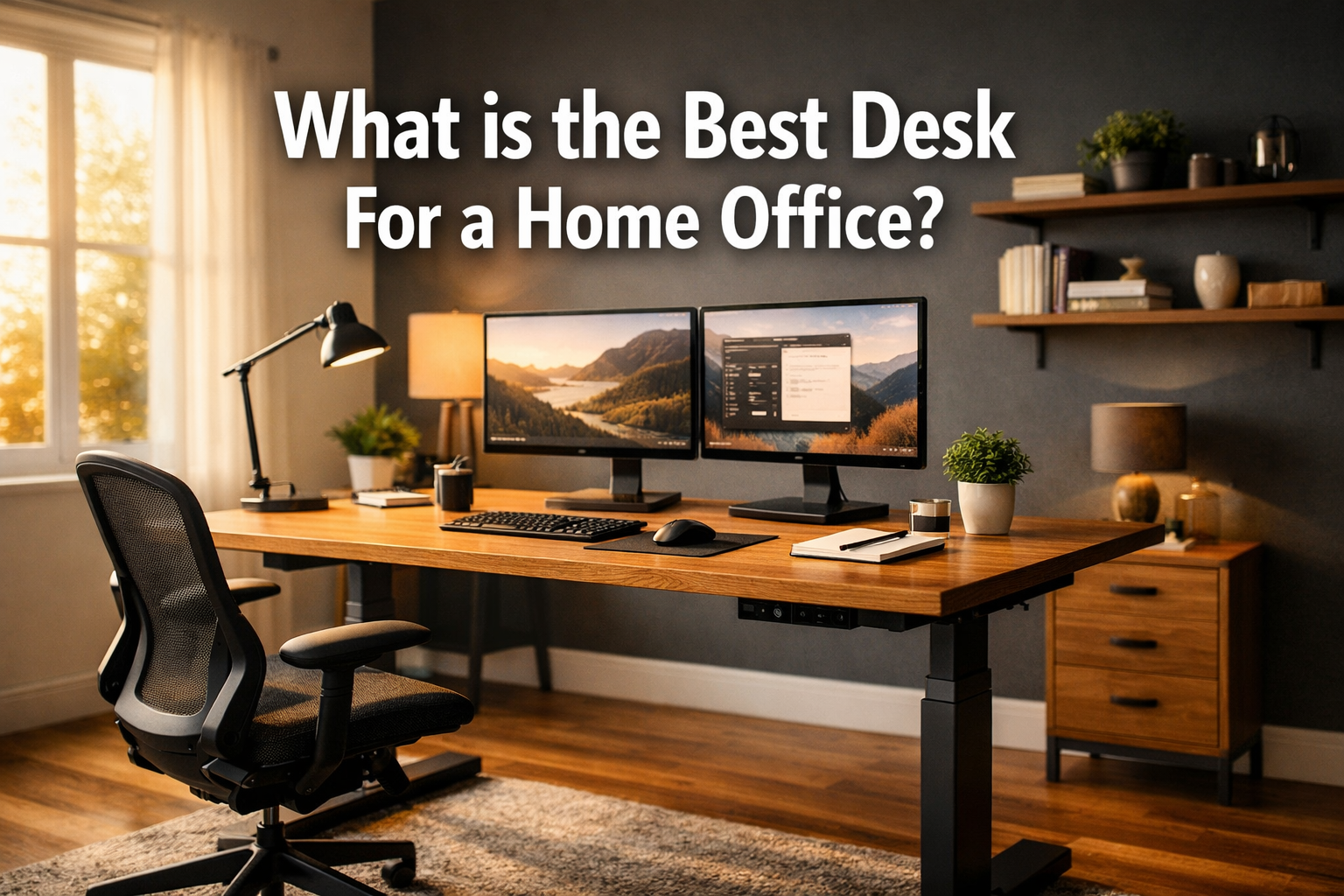
Quick Answer: What is the Best Desk For a Home Office? depends on your work style, body type, and available space, but an electric height-adjustable standing desk consistently outperforms fixed desks for comfort, health, and long-term productivity. For most remote workers in 2026, a sit-stand desk in the $300–$700 range hits the sweet spot between quality and value.
If budget is tight, a solid fixed desk in the $150–$250 range remains a practical choice.
Key Takeaways
- Electric standing desks reduce prolonged sitting and are now the dominant choice for home office setups in 2026 [1]
- The ideal desk height for seated work is elbow level, roughly 28–30 inches for most adults; standing height is typically 38–44 inches
- Dual-motor desks offer better stability and faster height adjustment than single-motor models
- For small spaces, L-shaped or wall-mounted desks maximize surface area without eating floor space
- Budget desks under $200 can be adequate for light use, but quality drops significantly below $150
- Wooden desktops offer warmth and durability; steel frames offer stability and longevity
- Drawers are useful but not essential — consider under-desk storage or desktop organizers instead
- IKEA desks are a reasonable entry point for remote workers, but they lack the height range and motor quality of dedicated ergonomic brands
- Graphic designers need large surface area (at least 60 inches wide) and color-accurate lighting compatibility
- Always measure your room before buying — many returns happen because buyers skip this step
What Makes a Good Home Office Desk
A good home office desk does three things well: it fits your body, fits your space, and holds up to daily use without wobbling, warping, or frustrating you. Those three criteria eliminate more than half the options on the market.
The core qualities to look for:
- Surface size: At minimum, 48 inches wide for a single monitor setup; 60 inches or more for dual monitors or creative work
- Stability: No wobble at your working height, especially if you type heavily or use large monitors
- Height range: Should accommodate your seated elbow height and, if it adjusts, your standing height
- Material quality: Desktop thickness of at least 1 inch for rigidity; steel or solid wood frames outlast particleboard
- Cable management: Built-in grommets or channels keep the desk functional and clean
- Storage options: Drawers or shelves are a bonus, not a requirement, prioritize surface quality first
Interior design experts recommend balancing functionality with aesthetics, incorporating natural materials and tailored layouts to create workspaces that feel genuinely inspiring rather than just functional [8].
Standing Desk vs Regular Desk: Pros and Cons
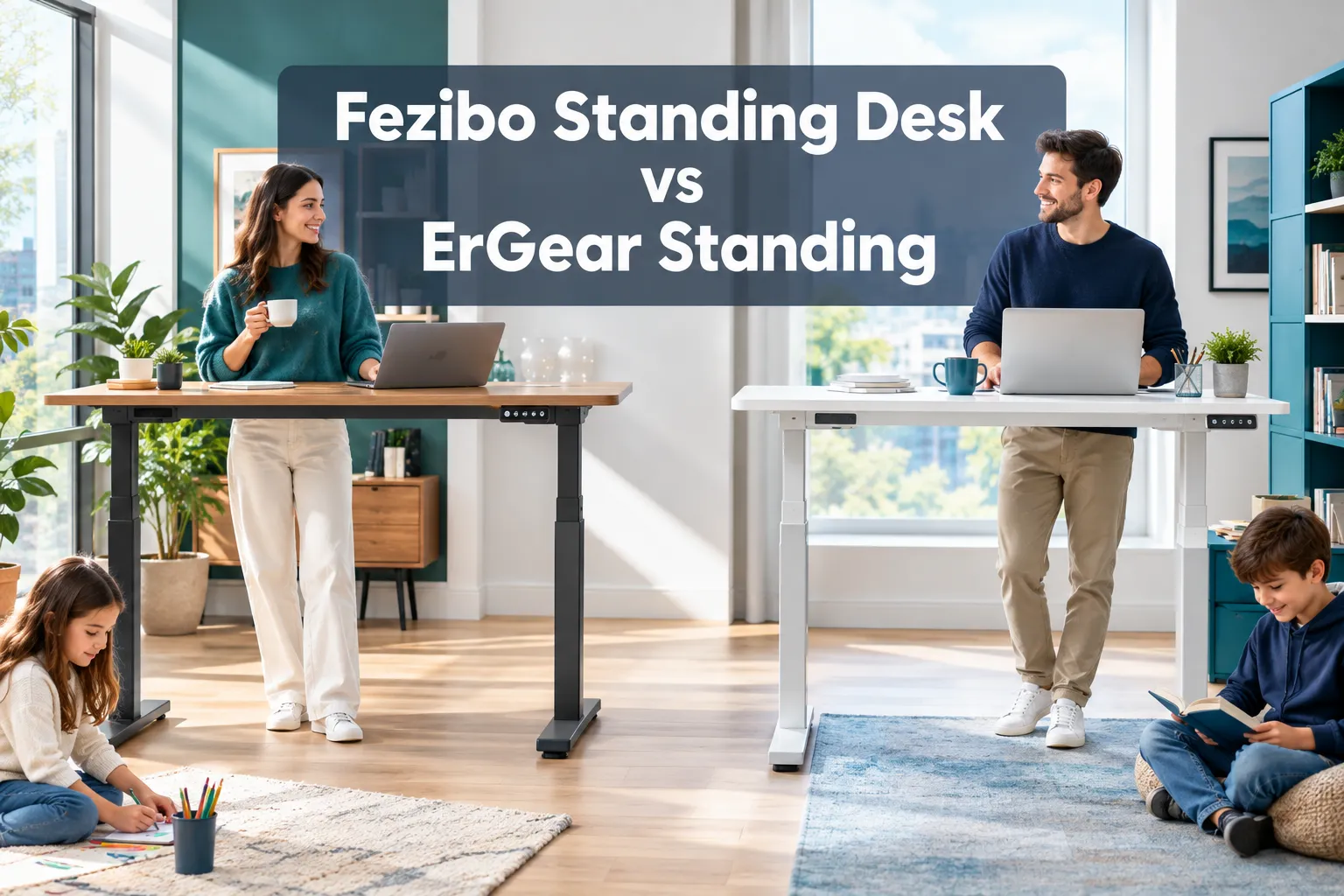
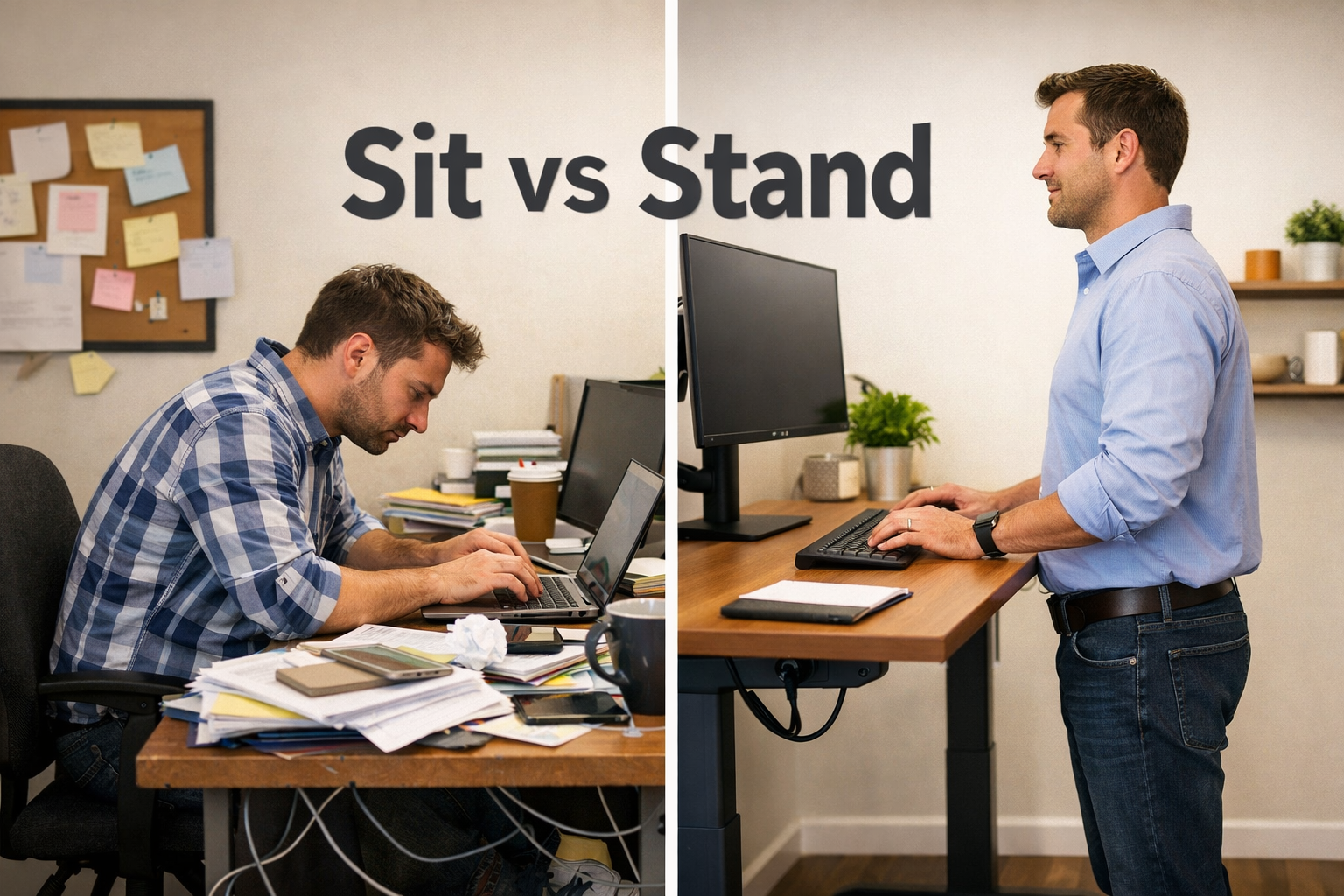
A height-adjustable standing desk is better for most people who work more than six hours a day at a computer. A fixed desk is better if you work shorter sessions, have a tight budget, or simply prefer a simpler setup.
Standing desk advantages:
- Allows alternating between sitting and standing, reducing back strain
- Linked to improved energy and focus during long work sessions
- Accommodates multiple users at different heights
- Future-proofs your setup if your needs change
Standing desk disadvantages:
- Costs significantly more ($300–$800+ vs $100–$300 for fixed desks)
- Requires assembly that takes 30–60 minutes for most models
- Electric motors can fail over time, though reputable brands offer 5–10 year warranties
- Standing all day is also harmful — you still need to alternate positions
Fixed desk advantages:
- Lower cost and simpler construction
- No moving parts to maintain or replace
- Often more aesthetically varied (vintage, executive, floating styles)
Fixed desk disadvantages:
- Cannot adapt to your height or posture changes
- Not suitable for users with back pain who need to stand periodically
- Less flexible if multiple people share the desk
Electric standing desks have become a staple in home offices because they let users alternate between sitting and standing, directly reducing physical strain and improving productivity [1]. That said, a well-chosen fixed desk paired with a good ergonomic chair still beats a poorly configured standing desk.
For more on pairing your desk with the right seating, see our guide to ergonomic office chairs for better posture.
How Do I Choose the Right Desk Height for Me
The right desk height for seated work is the height at which your elbows rest at roughly 90 degrees when your feet are flat on the floor. For most adults, that falls between 28 and 30 inches.
Personalized desk height calculation:
- Sit in your chair with feet flat on the floor
- Relax your shoulders and bend your elbows to 90 degrees
- Measure from the floor to the bottom of your forearm — that is your target desk height
- For standing height, stand upright, relax your shoulders, bend elbows to 90 degrees, and measure from floor to forearm
General reference table:
| Your Height | Seated Desk Height | Standing Desk Height |
|---|---|---|
| Under 5’4″ | 25–27 inches | 35–39 inches |
| 5’4″ to 5’10” | 27–29 inches | 39–43 inches |
| Over 5’10” | 29–31 inches | 43–47 inches |
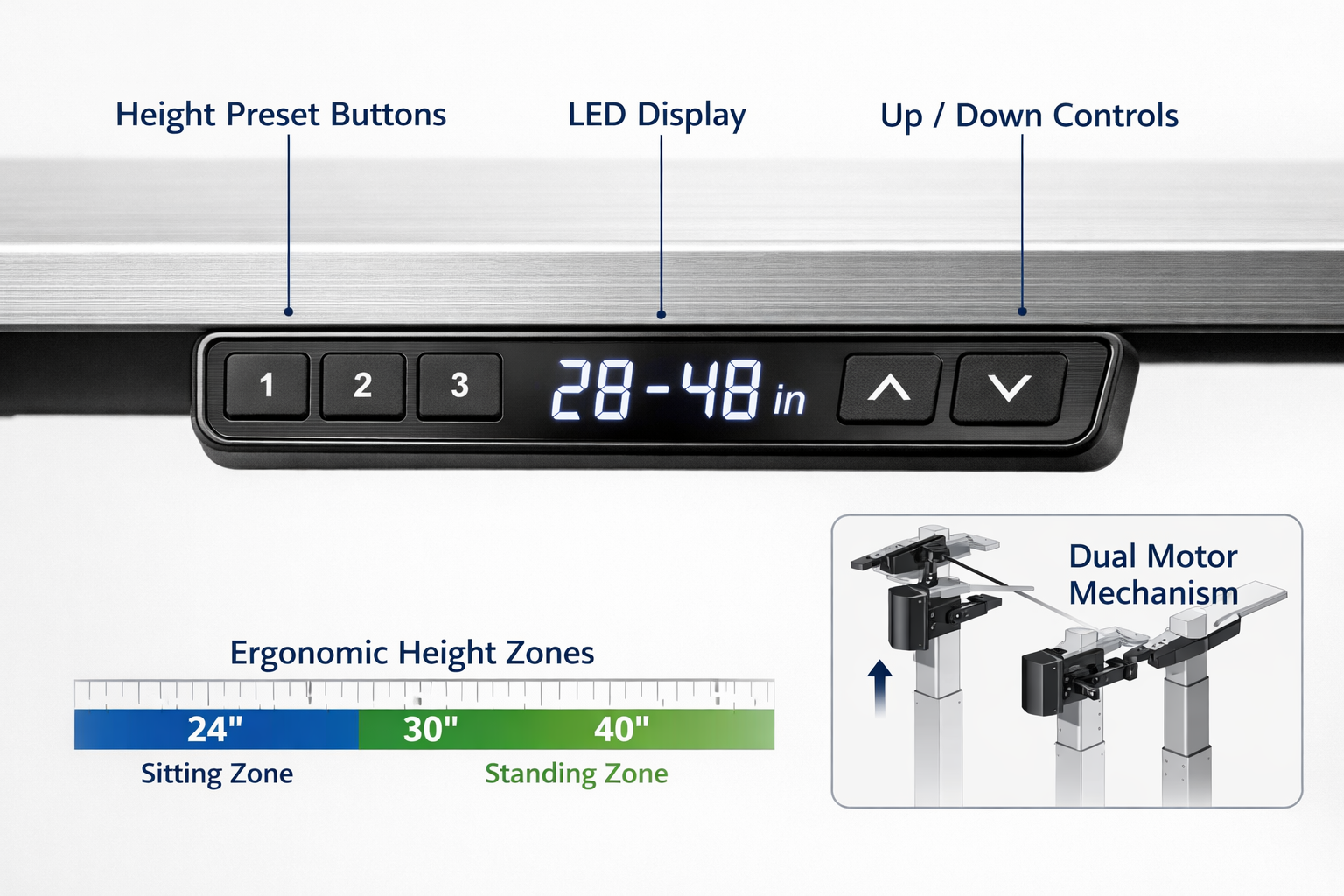
Most quality adjustable desks cover a range of 24 to 50 inches, which accommodates nearly every adult body type. If you are shorter than 5’2″ or taller than 6’4″, verify the desk’s exact height range before buying.
Monitor height matters just as much as desk height. The top of your screen should sit at or just below eye level, roughly 20–28 inches from your eyes. A monitor arm paired with an adjustable desk gives you the most flexibility.
You can also explore our detailed resource on adjustable height office desks for a deeper breakdown of mechanisms and height ranges.
How Much Should I Spend on a Home Office Desk
For most remote workers, spending $200–$500 gets you a desk that will last 5–10 years without major issues. Below $150, quality drops sharply. Above $700, you are mostly paying for premium aesthetics or brand prestige.
Budget breakdown by category:
- Under $200 (budget): Fixed desks with basic frames, thinner desktops, limited size options. Fine for part-time or light use. The Devaise 40-inch standing desk, available for around $67 during promotional periods, is a rare exception — a professional reviewer noted it ticks the key boxes for compact workspaces at that price point [3].
- $200–$400 (mid-range): Entry-level electric standing desks, solid fixed desks with good surface quality. Best value zone for most home office users.
- $400–$700 (upper mid-range): Dual-motor standing desks with better stability, wider desktops, memory presets. The Uplift V3 sits in this range and is widely praised for its customization options and sturdy build [2].
- $700+ (premium): Desks like the Secretlab Magnus Evo ($749+) offer premium aesthetics, integrated cable management, and magnetic accessory systems [7]. Worth it if you want a long-term, polished setup.
Decision rule: If you work from home full-time, spend at least $300. If you work part-time or use the desk for light tasks, $150–$200 is reasonable.
Best Desks for Small Spaces
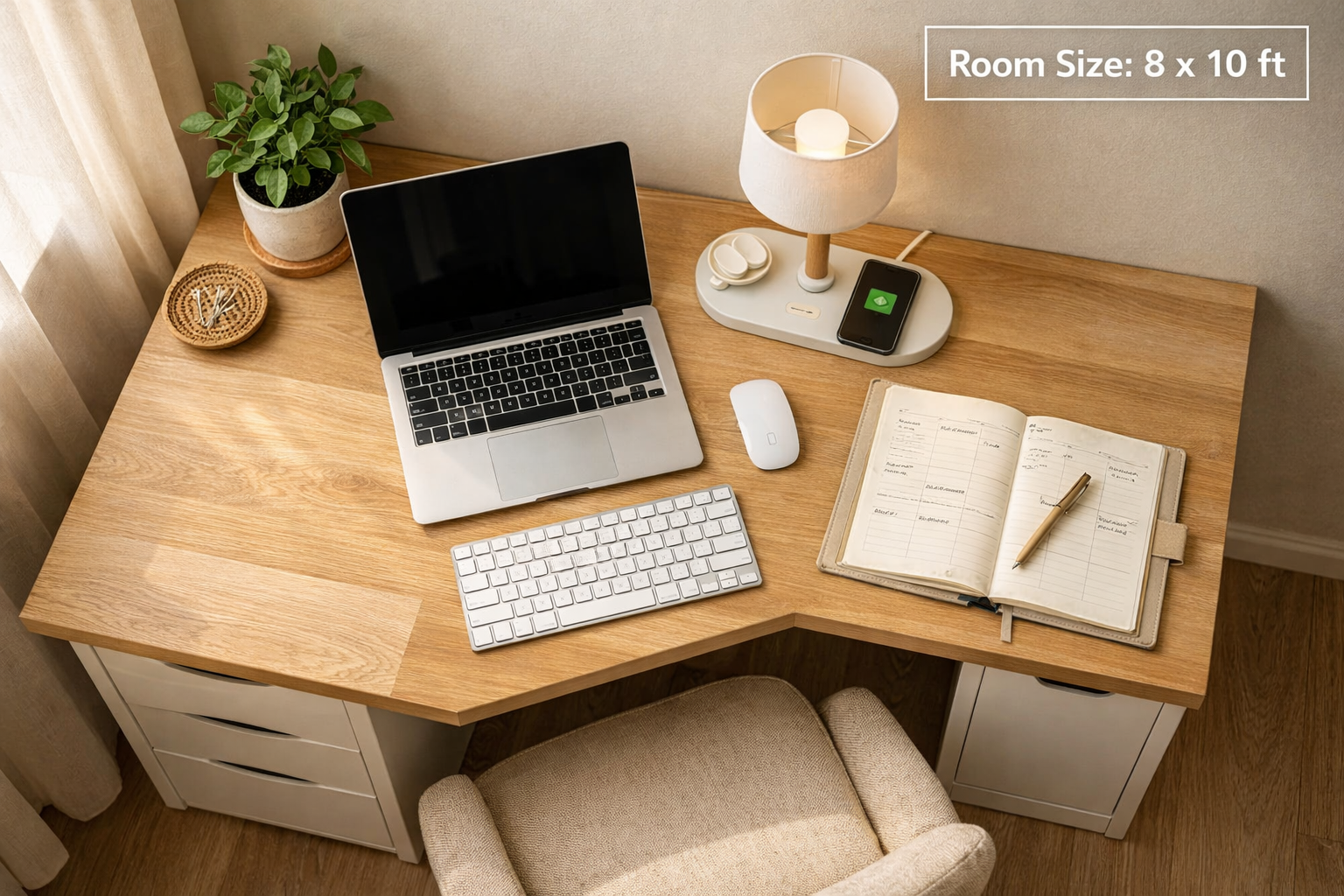
For rooms under 100 square feet, the best desk options are wall-mounted floating desks, compact L-shaped corner desks, or narrow standing desks under 48 inches wide. These preserve floor space while still giving you a functional work surface.
Top configurations for small spaces:
- Wall-mounted desk: Folds flat when not in use; ideal for studio apartments or shared rooms. Typically 30–40 inches wide.
- Corner desk (L-shaped): Uses dead corner space efficiently and provides more surface area than a straight desk of the same footprint. See our guide to L-shaped office desks for specific recommendations.
- Compact standing desk: Models in the 40-inch range (like the Devaise mentioned above) work well in tight spaces without sacrificing height adjustability [3].
- Secretary desk: A traditional style with a fold-down surface that hides your workspace when closed — useful in living rooms or bedrooms.
IKEA’s storage add-ons (desktop shelves, pegboards, and drawer units) can make a small desk feel much more functional without requiring extra floor space [6]. For more ideas, our smart office desks for small spaces guide covers specific product picks and layout strategies.
Common mistake: Buying a desk that fits the room but not the task. A 40-inch desk feels cramped with dual monitors. Always map out your monitor and peripheral placement before deciding on width.
Ergonomic Desk Options for Back Pain
If you have chronic back pain, an electric height-adjustable desk is one of the most effective furniture investments you can make. The ability to stand for 20–30 minutes every hour reduces lumbar compression and breaks the static posture cycle that worsens most back conditions.
What to prioritize if back pain is your main concern:
- Height range: Look for a desk that adjusts from at least 24 inches (seated) to 48 inches (standing)
- Memory presets: Saves your exact sitting and standing heights so you switch without thinking — removing friction means you actually do it
- Anti-collision sensors: Prevents the desk from lowering onto equipment or feet, a safety feature that also protects the motor
- Stability at standing height: A wobbly desk at 45 inches is a real problem; dual-motor frames are significantly more stable than single-motor models
Research consistently links prolonged sitting to increased lower back pain, hip flexor tightness, and reduced circulation. Alternating between sitting and standing — ideally in 30-minute blocks — addresses all three issues.
Pair your adjustable desk with a supportive chair. Our review of the ELABEST X100 ergonomic office chair is a good starting point for chair selection that complements a standing desk setup.
Also consider adding a standing desk mat (anti-fatigue mat) if you plan to stand for extended periods. Standing on hard floors without cushioning creates its own set of problems.
Are IKEA Desks Good for Remote Work
IKEA desks are a reasonable starting point for remote workers who need a clean, affordable workspace and do not require height adjustability. The IKEA LAGKAPTEN and ALEX combinations offer good surface quality and storage for $200–$350. However, IKEA’s standing desk options (the BEKANT and IDASEN lines) are significantly more expensive and offer a narrower height range than comparable dedicated ergonomic brands.
Where IKEA desks work well:
- Part-time remote workers or students
- Users who want a minimalist aesthetic on a budget
- Small spaces where a simple surface is enough
Where IKEA desks fall short:
- Heavy daily use (surfaces can show wear faster than solid wood or bamboo alternatives)
- Users who need a wide height range for standing work
- People who want advanced features like memory presets, dual motors, or integrated cable management
IKEA’s real strength for home offices is its storage ecosystem. Desktop shelves, drawer units, and pegboard systems can dramatically improve a small workspace without remodeling [6]. For a broader look at desk options across price points, our guide to affordable office desks on Amazon compares IKEA alternatives side by side.
What Kind of Desk is Best for Graphic Designers
Graphic designers need a large, stable surface — at minimum 60 inches wide — with enough depth (28–30 inches) to position a large monitor or drawing tablet at a comfortable distance. Color accuracy in the room’s lighting setup matters more than the desk itself, but the desk’s surface color (avoid high-gloss white, which causes glare) and cable management affect daily workflow.
Best desk features for graphic designers:
- Wide surface: 60–72 inches to accommodate dual monitors or a monitor plus a drawing tablet
- Depth: At least 28 inches so monitors sit far enough back to reduce eye strain
- Matte or natural wood surface: Reduces glare and provides a neutral visual reference
- Cable management: Built-in grommets or a cable tray keeps the surface clear for creative work
- Stability: No wobble when pressing on a tablet or leaning on the surface
An L-shaped desk is often the best configuration for designers because it separates the monitor zone from the tablet or sketchpad zone. The Corsair Platform 4 and similar dual-purpose desks cater to both professional and creative work with spacious, accessory-friendly designs [9].
For a broader look at modern desk designs suited to creative professionals, see our modern home office desks guide.
Wooden vs Metal Desk: Which is More Durable
Steel frames are more durable than wood frames over the long term, but desktop material matters more than frame material for day-to-day use. A solid wood or bamboo desktop on a steel frame is the most durable combination available.
Material comparison:
| Feature | Solid Wood Top | Bamboo Top | MDF/Particleboard Top | Steel Frame | Wood Frame |
|---|---|---|---|---|---|
| Durability | High | High | Low-Medium | Very High | Medium |
| Weight capacity | High | High | Low | Very High | Medium |
| Moisture resistance | Medium | High | Low | High | Low |
| Repairability | Yes (sand/refinish) | Limited | No | No | Limited |
| Cost | High | Medium | Low | Included in desk price | Included |
Decision rule:
- Choose a steel frame with a solid wood or bamboo top if you want the desk to last 10+ years
- Choose MDF/particleboard only if you are on a strict budget and plan to replace the desk within 3–5 years
- Avoid particleboard desktops if you live in a humid climate — they swell and delaminate
Home office furniture in 2026 is trending toward natural materials and softer aesthetics, moving away from the cold, corporate look [5]. A solid wood top on a black steel frame hits both the durability and design goals most buyers want.
Do I Need a Desk with Drawers for a Home Office
You do not need a desk with built-in drawers, but having some form of organized storage within arm’s reach makes a meaningful difference in daily workflow. The question is whether drawers built into the desk are the best way to get that storage.
When built-in drawers make sense:
- You store physical files, notebooks, or office supplies regularly
- You prefer a clean desktop and want to hide items out of sight
- You have limited room for a separate filing cabinet
When to skip built-in drawers:
- You work primarily digitally and rarely need physical storage
- You want to keep the desk lightweight and easy to move
- You prefer modular storage (under-desk pedestals, desktop organizers) that you can reconfigure
A desk with drawers adds cost and weight. Many buyers find that a simple under-desk filing cabinet or a desktop organizer serves the same purpose at lower cost and with more flexibility. For specific drawer desk options, our office desks with drawers guide covers the best configurations by room size and use case.
Common Mistakes People Make When Buying a Home Office Desk
Most desk-buying regrets come from skipping one of three steps: measuring the room, testing the height, or accounting for all the peripherals that will actually sit on the surface.
The most common mistakes:
- Not measuring the room first. A 60-inch desk sounds reasonable until you realize the door swings into that space. Measure the room, mark the footprint on the floor with tape, and walk around it before ordering.
- Buying based on looks alone. A beautiful desk that wobbles at typing height or has a surface too shallow for your monitor distance will frustrate you within a week.
- Underestimating surface needs. Add up your monitor(s), keyboard, mouse, notebook, water bottle, and any other items you keep on the desk. Most people need at least 48 inches wide and 24 inches deep.
- Ignoring assembly complexity. Some desks, especially standing desks, require 60–90 minutes and two people to assemble. Check reviews specifically for assembly feedback before buying.
- Choosing a desk without considering chair compatibility. A desk that is too high or too low for your chair creates exactly the ergonomic problems you were trying to solve.
- Skipping cable management. A desk with no cable management solution becomes a tangled mess within days. Either buy a desk with built-in management or budget $20–$40 for cable trays and clips.
- Buying too small to save money. A desk that is too small for your workflow forces workarounds that cost time and comfort every single day.
What is the Best Desk For a Home Office Under $200
Under $200, the best options are solid fixed desks with steel or powder-coated frames and MDF or laminate surfaces. Do not expect a quality electric standing desk at this price point — the motors and frames in sub-$200 standing desks are typically underpowered and unstable.
Best choices under $200:
- 40–48 inch fixed desk with steel frame: Brands like Flexispot, Tribesigns, and similar offer clean, stable options in this range
- Compact standing desk during sales: The Devaise 40-inch standing desk has been available for around $67 during Prime Day promotions, making it a rare quality exception at the low end [3]
- IKEA LAGKAPTEN + ADILS combination: Around $80–$100 total, a reliable basic setup for light use
What to accept at this price point:
- Thinner desktop (around 0.75 inches) that may flex under heavy monitors
- Limited color and size options
- Basic or no cable management
- Shorter warranty (typically 1 year or less)
For a broader list of affordable options, our affordable office desks guide includes current picks across multiple retailers.
What is the Best Desk For a Home Office Overall: Our Top Recommendations
Based on the criteria above, here are the desks that consistently perform best across the categories most buyers care about.
Best overall (electric standing desk): Uplift V3 Standing Desk
- Height range: approximately 25.5–52 inches
- Frame: dual-motor, steel
- Desktop: choice of solid wood, bamboo, or laminate
- Notable: extensive customization, strong warranty, praised for assembly clarity [2]
- Price: $600–$900 depending on configuration
Premium option: Secretlab Magnus Evo
- Starting at $749
- Integrated magnetic cable management, power supply column built into desk leg
- Minimalist aesthetic suited to professional home offices [7]
Top budget standing desk: Devaise 40-inch Standing Desk
- Around $67–$120 depending on promotions
- Single-piece desktop for stability, height range 28.35–46.46 inches
- Best for compact spaces and light use [3]
Best for creative professionals: 60-inch L-shaped desk with matte surface and built-in cable grommets (multiple brands in the $250–$450 range)
Best for small spaces: Wall-mounted floating desk or compact corner desk (see our corner office desks guide)
Remote work has become a sustained, long-term reality for millions of workers [10], and investing in a desk that genuinely fits your body and workflow pays off in productivity, comfort, and health over years of daily use.
FAQ
What is the standard desk height for a home office?
The standard desk height is 28–30 inches for seated work. This suits adults between 5’4″ and 5’10”. Taller or shorter users should look for height-adjustable options.
How long do electric standing desks last?
Quality electric standing desks from reputable brands typically last 7–12 years with normal use. Motors are the most common failure point; look for brands that offer at least a 5-year motor warranty.
Is a standing desk worth it for home office use?
Yes, for anyone working more than 5 hours a day at a computer. The ability to alternate between sitting and standing reduces back pain, improves circulation, and helps maintain energy through the afternoon.
What desk size do I need for dual monitors?
At minimum, 60 inches wide and 24 inches deep for a comfortable dual-monitor setup. If you also use a laptop or drawing tablet, go to 72 inches or an L-shaped configuration.
Can I use a dining table as a home office desk?
You can, but most dining tables are 30 inches tall, which is at the upper end of comfortable desk height. The bigger issue is depth — dining tables are often too deep (36+ inches), pushing monitors too far away. It works as a temporary solution but not long-term.
What is the Best Desk For a Home Office: FAQs
Do standing desks help with weight loss?
Standing burns slightly more calories than sitting (roughly 50–100 calories per hour more, depending on body weight), but standing desks are not a weight-loss tool. Their primary benefit is reducing the health risks of prolonged sitting, not calorie burning.
What is the best desk material for a home office?
A bamboo or solid wood desktop on a steel frame offers the best combination of durability, aesthetics, and surface quality. Avoid thin particleboard tops if you plan to use the desk for more than 3 years.
How do I stop my standing desk from wobbling?
Wobble usually comes from one of three sources: uneven floor (use adjustable feet), loose frame bolts (retighten after first week of use), or a single-motor frame at maximum height (upgrade to dual-motor for better stability above 40 inches).
Are gaming desks good for home office work?
Some are. Desks like the Corsair Platform 4 offer large surfaces and accessory integration that works well for professional setups [9]. Avoid desks with aggressive gamer aesthetics (RGB lighting, angular shapes) if you want a professional look for video calls.
What is the minimum desk depth I need?
24 inches of depth is the practical minimum for a single monitor setup. Less than 20 inches forces the monitor too close to your eyes. For large monitors (27 inches or more), 28–30 inches of depth is more comfortable.
Conclusion
Finding the best desk for a home office comes down to matching the desk to your actual work habits, body, and space, not buying the most expensive option or the one with the best marketing photos.
Actionable next steps:
- Measure your room and mark the desk footprint on the floor before ordering anything
- Calculate your personal seated and standing desk height using the elbow method described above
- Decide whether height adjustability is worth the extra cost for your work schedule
- Set a realistic budget: $300–$500 for most full-time remote workers, $150–$250 for part-time or light use
- Check the return policy before buying, most quality desk brands offer 30-day returns, which gives you time to confirm fit and stability in your actual space
If you are ready to invest in a quality ergonomic setup, check out this top-rated standing desk on Amazon, it covers the key criteria this guide outlines and has strong real-world reviews from home office users.
Your desk is the foundation of your entire workspace. Get that right, and everything else, your chair, monitor, lighting, and workflow, becomes easier to optimize.
References
[1] Home Office Trends 2026 Why Electric Standing Desks Are Dominating Workspaces – https://uncagedergonomics.com/blogs/default-blog/home-office-trends-2026-why-electric-standing-desks-are-dominating-workspaces
[2] Best Desks – https://www.forbes.com/sites/forbes-personal-shopper/article/best-desks/
[3] This $67 Early Prime Day Standing Desk Deal Is Perfect For Smaller Home Offices – https://www.techradar.com/pro/this-usd67-early-prime-day-standing-desk-deal-is-perfect-for-smaller-home-offices-im-a-professional-office-furniture-reviewer-and-this-budget-pick-ticks-all-the-boxes-for-compact-workspaces
[4] Home Office Trends 2026 – https://www.homemakers.com/blog/inspiration/home-office-trends-2026.html
[5] Reject The Cold Cubicle: Home Office Furniture Is Working Harder But Looking Softer – https://www.mansionglobal.com/articles/reject-the-cold-cubicle-home-office-furniture-is-working-harder-but-looking-softer-b043d37d
[6] 21 Smart Storage Ideas From IKEA Will Make Your Home Office Seem Twice As Big – https://www.techradar.com/tech/21-smart-storage-ideas-from-ikea-will-make-your-home-office-seem-twice-as-big-with-no-remodelling
[7] Secretlab Magnus Evo Review – https://www.tomsguide.com/home/home-office/secretlab-magnus-evo-review
[8] Plan The Perfect Workspace – https://www.idealhome.co.uk/all-rooms/home-office/plan-the-perfect-workspace
[9] Best Gaming Desks – https://www.tomsguide.com/best-picks/best-gaming-desks
[10] Remote Work Trends Research – https://arxiv.org/abs/2506.16671