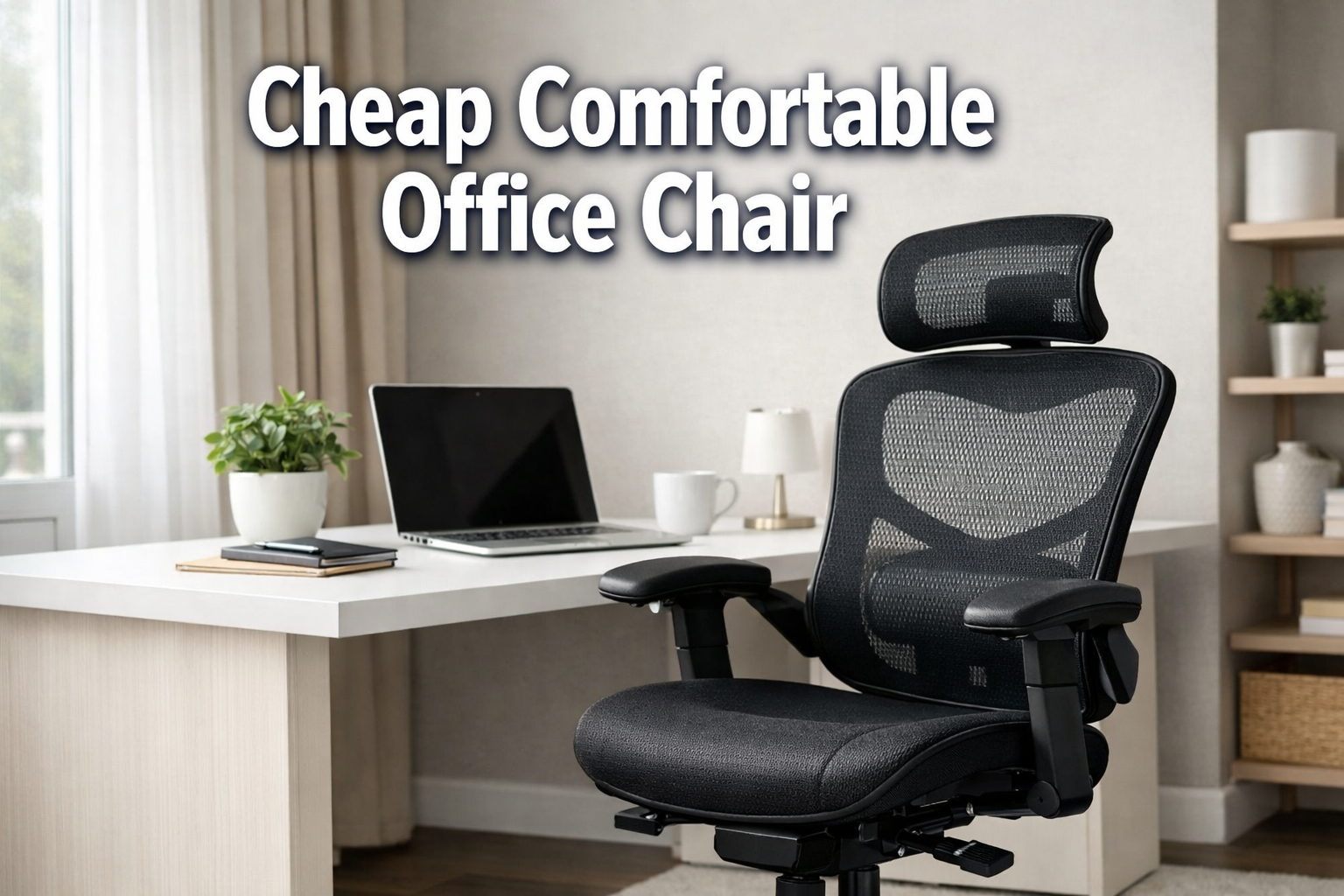
Cheap Comfortable Office Chair
Last updated: March 25, 2026
Quick Answer: A Cheap Comfortable Office Chair does not have to mean sacrificing your back or your budget.
In 2026, you can find genuinely ergonomic, well-built chairs for $100–$400 that include lumbar support, adjustable armrests, and breathable mesh backs.
The best picks in this range include the Colamy Atlas (under $300), Boulies EP200, and Eurotech Vera, all of which deliver features once reserved for $600+ chairs.
Key Takeaways
- Budget does not equal bad: Chairs under $300 now routinely include 3D armrests, adjustable lumbar knobs, and mesh backs that were premium-only features five years ago.
- Lumbar support is non-negotiable: An adjustable lumbar knob lets you dial in lower back support for a neutral spine, the single most important feature for long sitting sessions.
- Mesh vs. foam matters: Full-mesh backs breathe better in warm rooms; molded foam seats resist sagging longer than cheap padding. The Boulies EP200 uses cold-cured foam specifically to prevent bottoming out.
- Weight capacity varies widely: Budget chairs range from 250 lb to 400 lb capacity, check this spec before buying, especially for larger users.
- Body type fit: Most current budget models accommodate heights of 5’0″–6’4″, but some brands offer A/B/C sizing for a better fit.
- Adjustability is the real value: Chairs with seat height, tilt tension, armrest, and lumbar adjustments give you a personalized fit that reduces fatigue.
- Cost-per-year math: A $250 chair lasting 5 years costs $50/year, often less than one month of back-pain treatment.
- Accessories extend comfort: A lumbar pillow or seat cushion can upgrade a $100 chair significantly without replacing it.
What Makes a Good Cheap Comfortable Office Chair?
A good budget office chair balances three things: adequate lumbar support, enough adjustability to fit your body, and materials that hold up past the 12-month mark. Chairs that skip any of these three tend to cause discomfort within weeks.
Here are the five features that matter most:
- Adjustable lumbar support — a knob or sliding pad you can position against your lower back
- Seat height adjustment — pneumatic lift that covers a range of at least 5 inches
- Armrest adjustability — at minimum height-adjustable; 3D (height, width, angle) is better
- Breathable back material — mesh or perforated fabric reduces heat buildup during long sessions
- Tilt mechanism — allows you to recline slightly and reduce spinal compression
Choose this if: You sit 4–8 hours a day and want to avoid back pain without spending $600+ on a Herman Miller or Steelcase.
Common mistake: Buying purely on price. A $79 chair with no lumbar support will cost you more in discomfort and replacement costs than a $200 chair with proper adjustments.
Top Cheap Comfortable Office Chairs in 2026
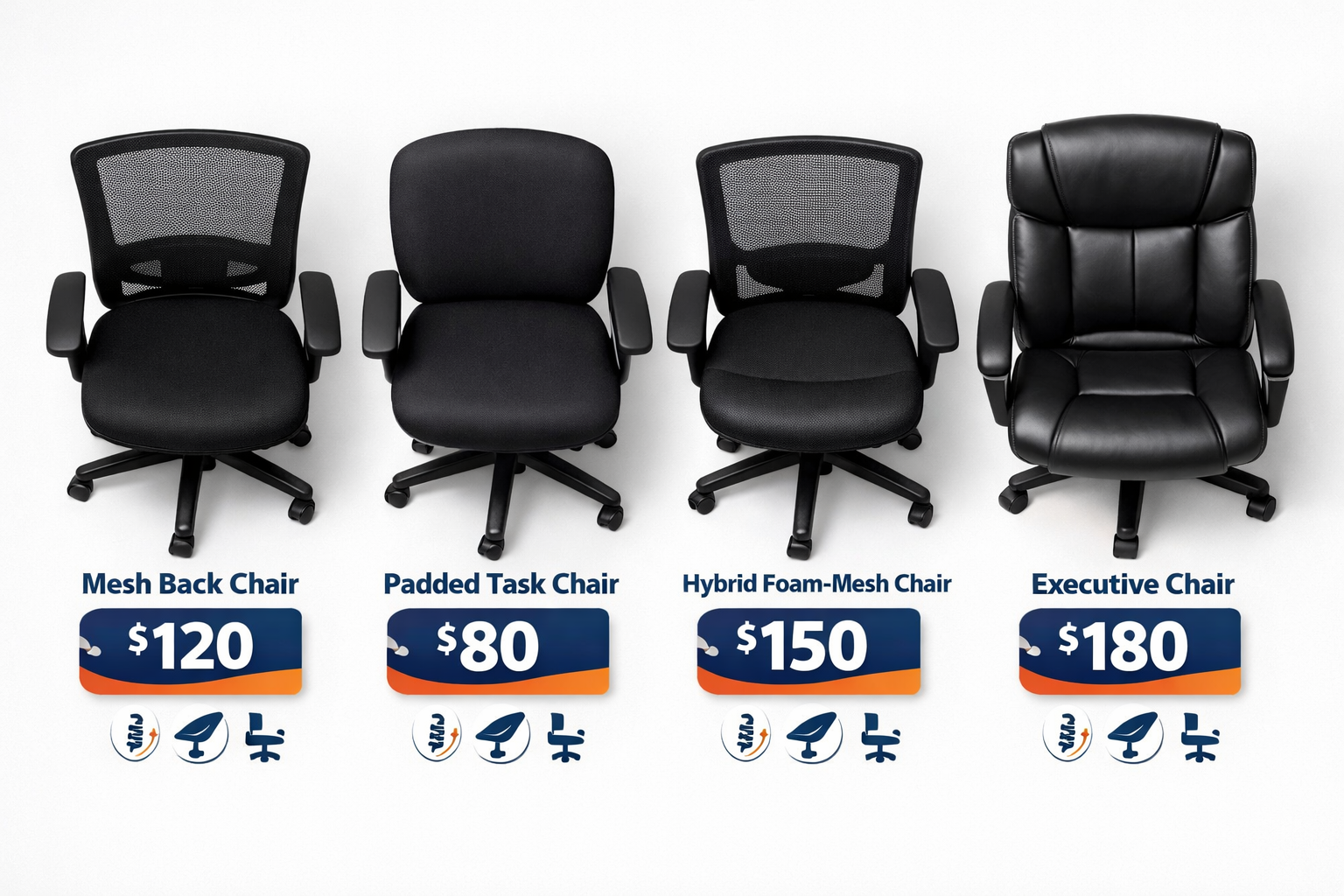
Here are the best options across different price tiers, based on current reviews and verified product specifications.
Under $200: Functional and Affordable
Boulies EP200 (~$180–$200)
A full-mesh back chair built for 6–8 hour workdays. The cold-cured molded foam seat is designed to resist the sagging that kills cheaper chairs within months. [1] It includes adjustable lumbar support and multi-tilt mechanics, rare at this price. Best for warm home offices or anyone who runs hot.
ProtoArc Budget Models (~$100–$150)
Rated as functional without major dealbreakers. [4] These are solid entry-level picks if your budget is firm under $150, though they lack the refined adjustability of pricier options. Good for part-time or occasional desk use.
$200–$350: The Sweet Spot
Colamy Atlas (~$250–$300)
Currently one of the best value picks under $300. The Colamy Atlas delivers features comparable to $500 chairs, including a praised adjustable headrest, a feature that’s becoming standard in budget offerings but rarely done well. Recommended for users who want near-premium comfort without the price tag.
Boulies OP180 (~$220–$260)
A hybrid design with a mesh back and a thicker cushioned seat. This balances breathability with pressure relief, a good middle ground if you find full-mesh seats too firm. [1]
Under $500: Near-Premium Budget
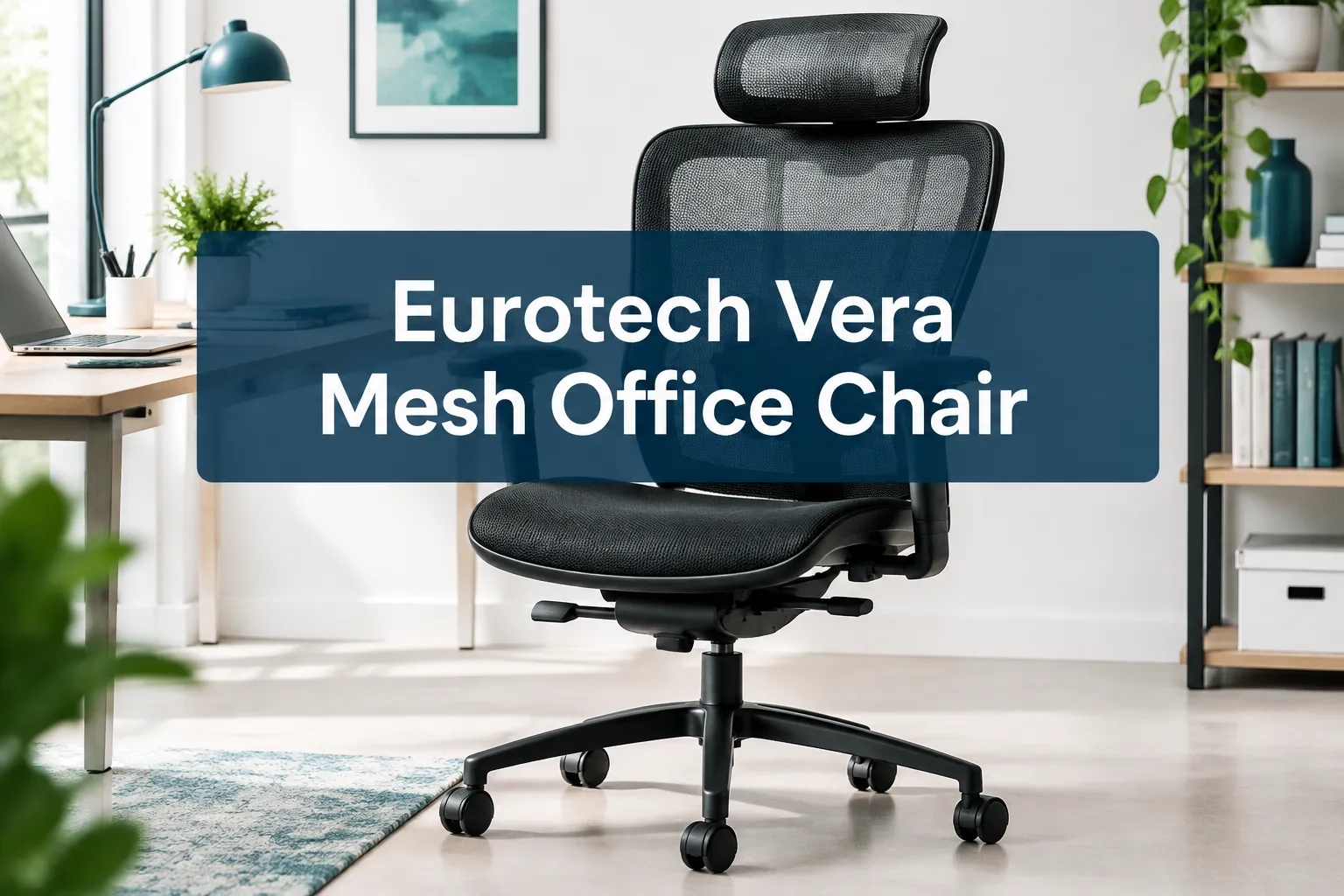
Eurotech Vera (~$350–$450)
A consistent top recommendation for years in the under-$500 category. [2] The Vera’s adjustable lumbar support delivers a noticeable difference in lower back comfort during long sessions. It’s a strong pick for full-time remote workers who want durability and comfort without entering the $600+ tier.
Hon Ignition 2.0 (~$400–$480)
Unlike most budget chairs with rigid frames, the Ignition 2.0 allows natural movement and repositioning throughout the day.
This is ideal for people who fidget or shift positions frequently, it works with your body rather than against it.
Quick Comparison Table
| Chair | Price Range | Best For | Key Feature |
|---|---|---|---|
| ProtoArc | $140–$180 | Part-time use | Entry-level ergonomics |
| Boulies EP200 | $180–$210 | Warm offices, long hours | Cold-cured foam + full mesh |
| Colamy Atlas | $250–$300 | Best overall value | Headrest + lumbar knob |
| Boulies OP180 | $220–$260 | Pressure relief | Hybrid mesh + foam seat |
| Eurotech Vera | $350–$450 | Full-time remote work | Proven long-term comfort |
| Hon Ignition 2.0 | $400–$480 | Active sitters | Flexible movement frame |
How to Choose the Right Cheap Comfortable Office Chair for Your Body Type
Not every budget chair fits every body. Here’s a quick decision guide based on body type and work habits.
If you’re under 5’4″: Look for chairs with a lower seat height range (minimum 16 inches from floor) and a shallower seat depth. Our guide to office chairs for shorter users covers this in detail.
If you’re over 6’1″: Prioritize chairs with higher seat height maximums (20+ inches) and taller backs. See our best office chairs for tall people for specific picks.
If you weigh over 250 lbs: Check weight capacity carefully. The Newtral NT002 supports up to 400 lbs — one of the highest in the budget segment. [3] For more options, our comfortable office chairs for big people guide is a useful starting point.
If you have lower back pain: Prioritize adjustable lumbar support above all else. A chair with a lumbar knob lets you position support exactly where your spine curves. For deeper guidance, see our article on relieving office chair back pain.
If you sit in a warm room: Choose a full-mesh back chair like the Boulies EP200 over foam or leather. Mesh allows airflow and significantly reduces heat buildup during long sessions.
Ergonomic Setup Guide: Getting the Most from a Budget Chair
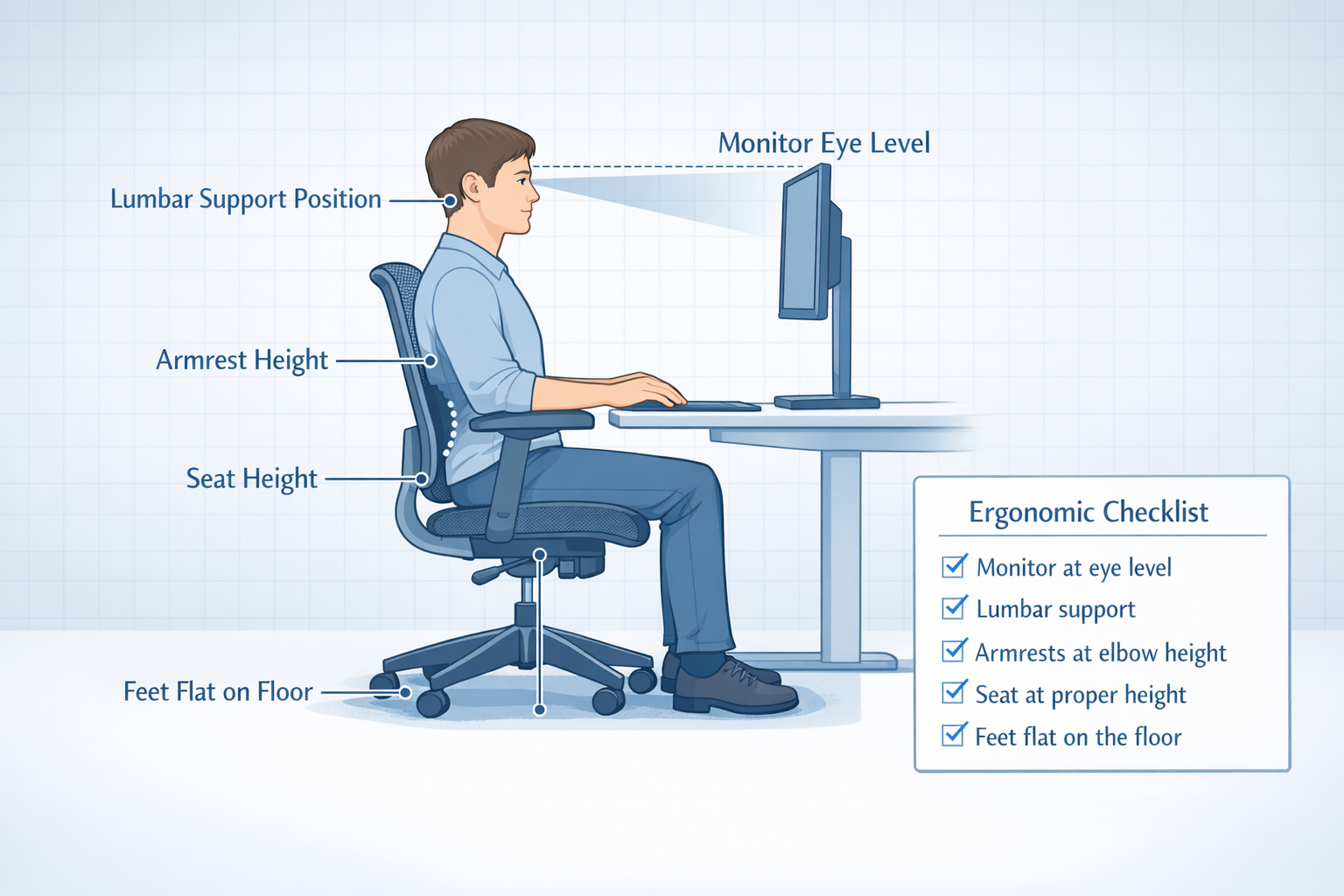
Even the best Cheap Comfortable Office Chair won’t help if it’s set up incorrectly. Follow these steps after assembly:
- Set seat height first. Your feet should rest flat on the floor, with knees at roughly a 90-degree angle. Thighs should be parallel to the ground or slightly angled downward.
- Adjust lumbar support. Position the lumbar pad or knob so it presses gently into the curve of your lower back — not your mid-back or tailbone.
- Set armrest height. Arms should rest at desk height with shoulders relaxed, not raised or hunched.
- Adjust tilt tension. Set it light enough that you can recline slightly without effort, but firm enough that you don’t fall back unexpectedly.
- Position the headrest (if present). It should support the base of your skull when you sit upright — not push your head forward.
For a deeper look at ergonomic seating principles, our guide to comfortable ergonomic office chairs covers the science behind proper posture support.
What’s the Real Cost of a Budget Office Chair?
Here’s a framing that changes how most people think about this purchase.
A $250 chair that lasts 5 years costs $50 per year, or about $4 per month. A $79 chair that wears out in 18 months costs $52 per year and leaves you with a sagging seat and no lumbar support by month 10.
The math almost always favors spending $150–$300 on a mid-range budget chair over the cheapest option available. You can also check office chair clearance deals to find mid-range chairs at reduced prices.
Key durability indicators to check:
- Seat foam density (cold-cured or high-density foam lasts longer than standard foam)
- Nylon vs. aluminum base (aluminum is more durable)
- Warranty length (2+ years is a good sign for budget chairs)
- User reviews mentioning 2+ years of use
Budget-Friendly Ergonomic Accessories Worth Considering
Sometimes a $30 accessory extends the life and comfort of an existing chair more than buying a new one.
- Lumbar support pillow: Adds targeted lower back support to chairs without built-in lumbar adjustment. Costs $20–$50.
- Seat cushion (memory foam or gel): Reduces pressure on the tailbone and thighs, especially on firm mesh seats. Costs $25–$60.
- Footrest: Helps shorter users achieve proper leg positioning when the chair can’t go low enough.
- Armrest pads: Foam covers for hard plastic armrests reduce elbow pressure during long sessions.
For a complete home workspace setup, pairing a good budget chair with a proper desk matters too. See our guide to choosing the right office desk for affordable desk options.
Health Impact of Choosing the Right Budget Chair
Sitting in a poorly designed chair for 6–8 hours a day has real physical consequences: lower back pain, neck tension, poor circulation in the legs, and long-term posture issues. None of these are inevitable.
A chair with proper lumbar support helps maintain the natural S-curve of the spine, reducing muscle fatigue and disc compression. Adjustable armrests reduce shoulder and neck strain by keeping arms at a neutral position. Breathable mesh backs reduce heat-related fatigue during long sessions.
For people working from home full-time, the chair is arguably the most important piece of office equipment, more impactful than monitor size or keyboard type.
If you’re experiencing back discomfort, our resource on chairs that support better posture is worth reading alongside this guide.
Conclusion
Finding a Cheap Comfortable Office Chair in 2026 is genuinely achievable. The $200–$350 range now offers chairs with lumbar adjustment, 3D armrests, breathable mesh, and durable construction that would have cost $600+ a decade ago.
Your action steps:
- Set your budget first ($150, $250, or $400, each tier has solid options).
- Match the chair to your body type and daily sitting hours.
- Use the ergonomic setup guide above after assembly, a well-adjusted $200 chair beats a poorly adjusted $500 one.
- Consider a lumbar pillow or seat cushion if you’re working with a tighter budget.
- Check clearance deals and seasonal sales to find mid-range chairs at entry-level prices.
The right chair is an investment in your productivity, focus, and physical health, and it doesn’t have to cost a fortune to deliver real results.
Frequently Asked Questions
What is a good price for a comfortable office chair?
For most people working 4–8 hours daily, $150–$350 is the practical sweet spot. Chairs in this range include proper lumbar support and adjustability without the premium markup of high-end brands.
Can a cheap office chair be ergonomic?
Yes. Many chairs under $300 now include adjustable lumbar support, seat height adjustment, and 3D armrests — the core features of ergonomic design. The Colamy Atlas and Boulies EP200 are strong examples. [1][2]
How long should a budget office chair last?
A well-made chair in the $200–$350 range should last 4–6 years with normal use. Chairs under $100 typically show wear within 12–18 months, especially in the seat foam.
What is the most important feature in a budget office chair?
Adjustable lumbar support. It’s the single feature most directly linked to lower back comfort during long sitting sessions. [2]
Is mesh or foam better for a budget chair?
Mesh is better for breathability and warm environments. Foam (especially cold-cured) is better for pressure relief and long-term shape retention. A hybrid design like the Boulies OP180 offers both. [1]
FAQs
What weight capacity should I look for?
Standard budget chairs support 250–300 lbs. If you need more, look for chairs rated at 350–400 lbs, like the Newtral NT002. [3]
Do I need a headrest on a budget chair?
Not essential, but helpful if you frequently lean back or experience neck tension. The Colamy Atlas is noted for having an unusually good headrest at its price point. [2]
Are armrests important on a budget office chair?
Yes, particularly for shoulder and neck health. Look for at least height-adjustable armrests; 3D armrests (height, width, pivot) are increasingly common in the $200+ budget range. [1]
What’s the cheapest ergonomic chair worth buying?
The Boulies EP200 around $180–$200 and the ProtoArc models around $100–$150 represent the lower end of genuinely functional ergonomic chairs. Below $100, most chairs lack meaningful lumbar support. [1][4]
Should I buy a used office chair to save money?
It can work, but inspect the seat foam, lumbar mechanism, and gas cylinder carefully. Used high-end chairs (Herman Miller, Steelcase) at $200–$300 can outperform new budget chairs at the same price.
References
[1] Best Budget Office Chair – https://boulies.com/blogs/tips-and-guides/best-budget-office-chair
[2] Best Office Chairs Under $500 in 2026 – https://www.youtube.com/watch?v=uqH7E51SW70
[3] Most Comfortable Office Chair – https://newtralchair.com/blogs/guide/most-comfortable-office-chair
[4] Best Office Chair Tier List – https://www.youtube.com/watch?v=exCg2F6k15c
Related guide: For more options, see our roundup of the best office chairs for long hours.