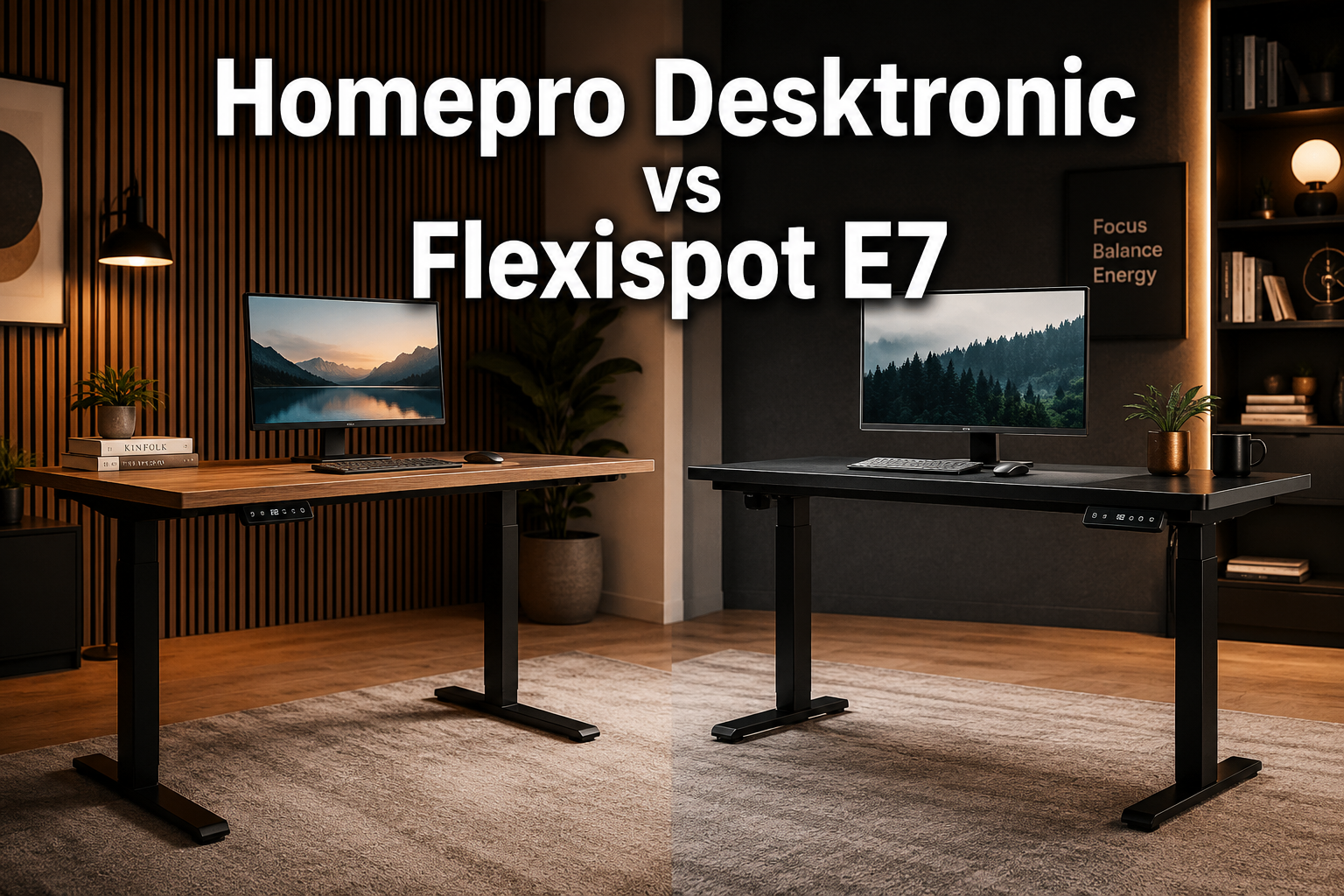
Desktronic HomePro vs FlexiSpot E7
Last updated: June 29, 2026
Quick Answer: The Desktronic HomePro is the better choice for most home-office users who want a transparent price, a fast three stage lift, and a 30-day risk-free return. The FlexiSpot E7 edges ahead for users who need maximum lateral stability, a higher weight ceiling, or a built-in USB-C charging port on the keypad, but you’ll need to work through a configurator to find the final price.
Key Takeaways
- The Desktronic HomePro starts from $539 (on sale) with a clear price per configuration; FlexiSpot E7 pricing is configuration-based and requires the online builder to get an exact number.
- HomePro’s three-stage columns reach roughly 25.4″–51.2″ one of the widest height ranges in its class, covering very short and very tall users.
- FlexiSpot E7 offers up to 355 lbs lifting capacity (440 lbs for the E7 Pro), slightly above HomePro’s 352.7 lbs ceiling.
- Both desks use dual motors, but HomePro moves at ~2 in/s versus E7’s ~1 in/s, so transitions are noticeably faster on the Desktronic.
- FlexiSpot E7 carries a 15-year frame and motor warranty; Desktronic covers both desks for 5 years.
- The Desktronic HomeOne is a strong budget alternative starting from $459, though it’s capped at a 60×30″ top and a narrower height range.
- For heavy multi-monitor rigs or studio gear, the FlexiSpot E7 Pro (up to 440 lbs) or E7 Plus (up to 540 lbs static) offer more headroom.
- Pairing either desk with a quality ergonomic chair matters as much as the desk itself, see our guide on choosing the right office chair for recommendations.
Check Desktronic HomePro Latest Price and Availability on Amazon <—-
Check the Latest Price and Availability for the Flexispot E7 Here <—-
Quick Comparison Table
| Product | Starting Price | Height Range | Lift Capacity | Motor Speed | Warranty | Best For |
|---|---|---|---|---|---|---|
| Desktronic HomePro | $539 Sale | 25.4″–51.2″ | 352.7 lbs | 2 in/s | 5 years | Wide height range, large tops, fast lift |
| Desktronic HomeOne | $459 Sale | 28.9″–47.1″ | 264.6 lbs | 1.3 in/s | 5 years | Budget home office, dual monitors |
| FlexiSpot E7 | Config-based | Not published as single range | 355 lbs | 1 in/s | 15 years | Stability-focused, advanced keypad |
| FlexiSpot E7 Pro | Config-based (~$599+) | 25″–50.6″ | 440 lbs | Not specified | 15 years | Heavy setups, C-frame option |
| FlexiSpot E7 Plus | Config-based | Not published | 440 lbs lift / 540 lbs static | 1 in/s | 15 years | Maximum capacity, wide tops |
Individual Product Reviews
Desktronic HomePro Standing Desk
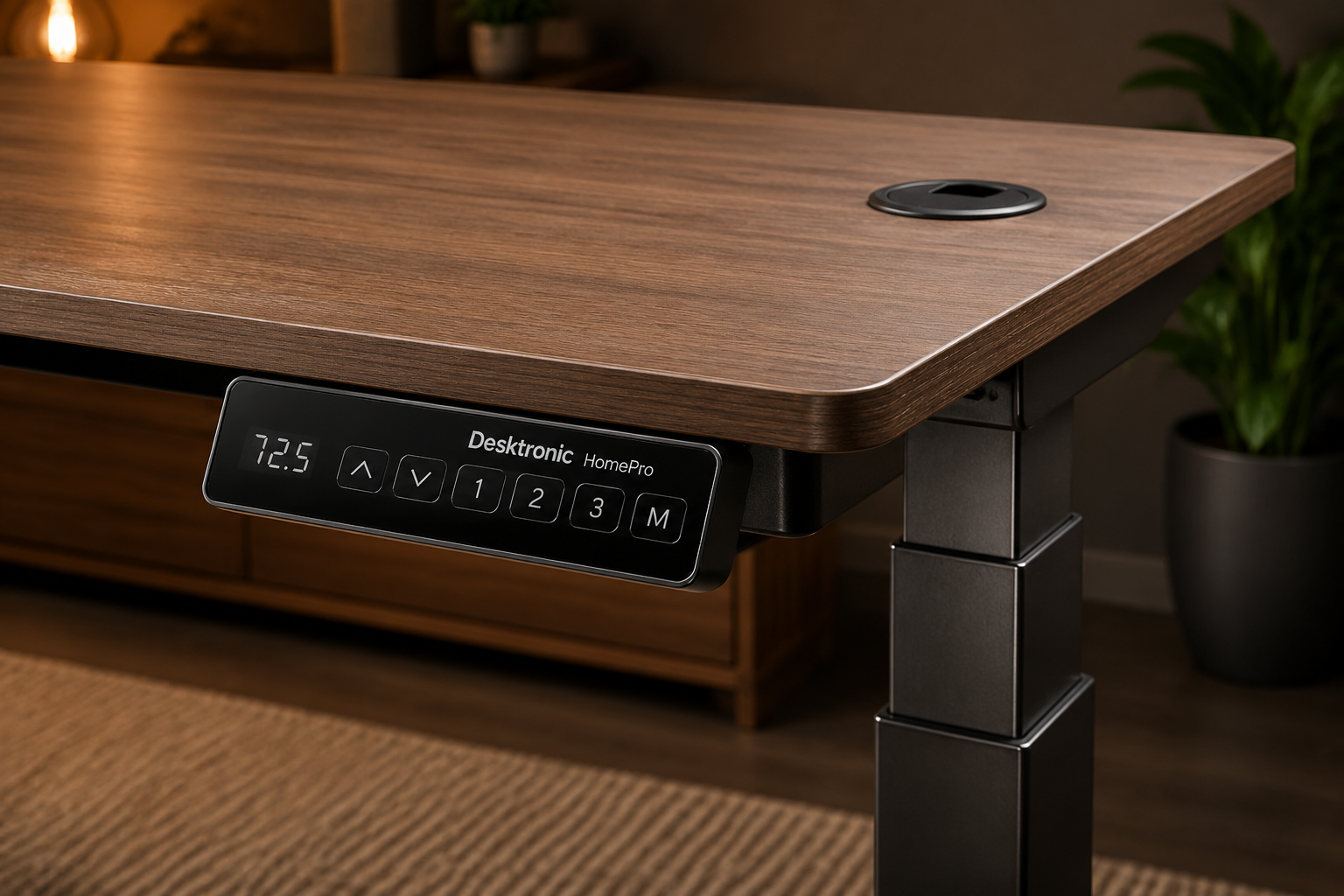
The Desktronic HomePro is the flagship of Desktronic’s consumer lineup and the primary subject of this comparison. It delivers a three-stage, dual-motor system with one of the faster lift speeds in its price range, making it a strong all-around pick for home offices and creative studios.
Key Features
- Three-stage columns: height range of approximately 25.4″ 51.2″, accommodating users from roughly 4’8″ to 6’6″ without risers
- Dual motors running at ~2 in/s transitions between sitting and standing happen in seconds, not half a minute
- Lifting capacity up to ~352.7 lbs, enough for triple-monitor setups, a desktop PC, and accessories
- One-piece tops available from 48×24″ up to 80×30″ in laminate, bamboo, or solid wood, each with cable grommets
- TÜV and IGR ergonomic certifications, plus an anti-collision system that stops the desk if it detects an obstruction
- 5-year warranty, 30-day money back guarantee, and free returns
✅ Pros
- Fastest lift speed in this comparison at ~2 in/s
- Widest height range among Desktronic’s lineup, genuinely fits very short and very tall users
- Transparent, per-configuration pricing listed publicly on the Desktronic site
- Large top options (up to 80×30″) with built-in cable grommets for cleaner setups
- TÜV certification adds third-party credibility to stability and safety claims
❌ Cons
- Higher starting price than the HomeOne, and solid-wood tops push costs up significantly
- Three-stage frame is heavier and slightly more complex to assemble than two-stage alternatives
- Top sizes and finishes are limited to Desktronic’s own catalog, no option to source a custom third-party top
Who It’s Best For: Home-office users, content creators, and remote professionals who want a stable, fast desk with a wide height range and don’t want to wrestle with a configurator to get a price. Also a good fit for anyone who is very short or very tall and has struggled to find a desk that actually fits.
Check Desktronic HomePro Latest Price and Availability on Amazon <—-
FlexiSpot Premium Standing Desk E7
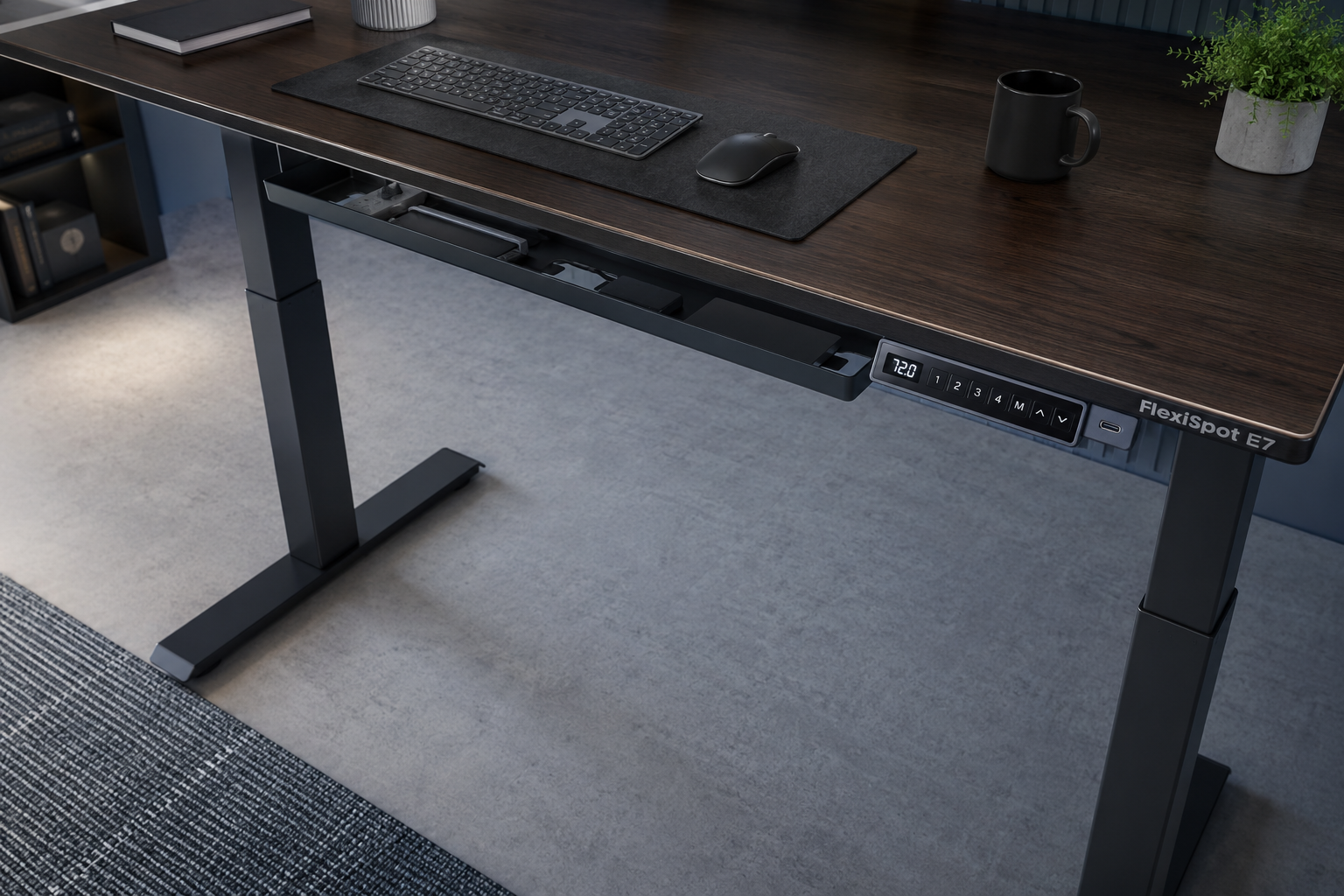
The FlexiSpot E7 is one of the most recognized names in the standing desk category and earns that reputation through its upright-mounted motor design, which FlexiSpot claims provides up to 42% better lateral stability compared to inverted motor structures. It’s a well-built desk, but the pricing experience is less straightforward than Desktronic’s.
Key Features
- Upright-mounted dual motors with thicker leg columns for lateral stability
- Lifting capacity up to ~355 lbs (E7 standard)
- Premium LCD keypad with custom height presets, child lock, and a built-in USB-C charging port
- Built-in cable tray under the desktop, with an optional magnetic cable cover
- Desktop sizes from ~47.2″ to 80″ wide, with depth options of 24″–30″ depending on configuration
- 15-year warranty on frame and motors
✅ Pros
- Upright motor mounting is a genuine engineering differentiator for lateral stability
- USB-C port on the keypad is a practical, often-overlooked convenience
- Built-in cable tray keeps wiring contained without buying add-ons
- 15-year warranty is the longest in this comparison by a wide margin
- High weight capacity (355 lbs) handles demanding multi-monitor setups
❌ Cons
- No single published starting price, users must configure the desk online to see costs
- Lift speed (~1 in/s) is slower than the HomePro’s ~2 in/s
- Heavier frame makes assembly more physically demanding
- No 30-day money-back guarantee prominently advertised (standard return policy applies)
Who It’s Best For: Users who prioritize long-term warranty coverage, lateral stability for demanding equipment loads, or want USB-C charging built into the keypad. Also a good choice if you’re already familiar with FlexiSpot’s ecosystem and comfortable using their configurator.
Check the Latest Price and Availability for the Flexispot E7 Here <—-
Desktronic HomeOne Standing Desk
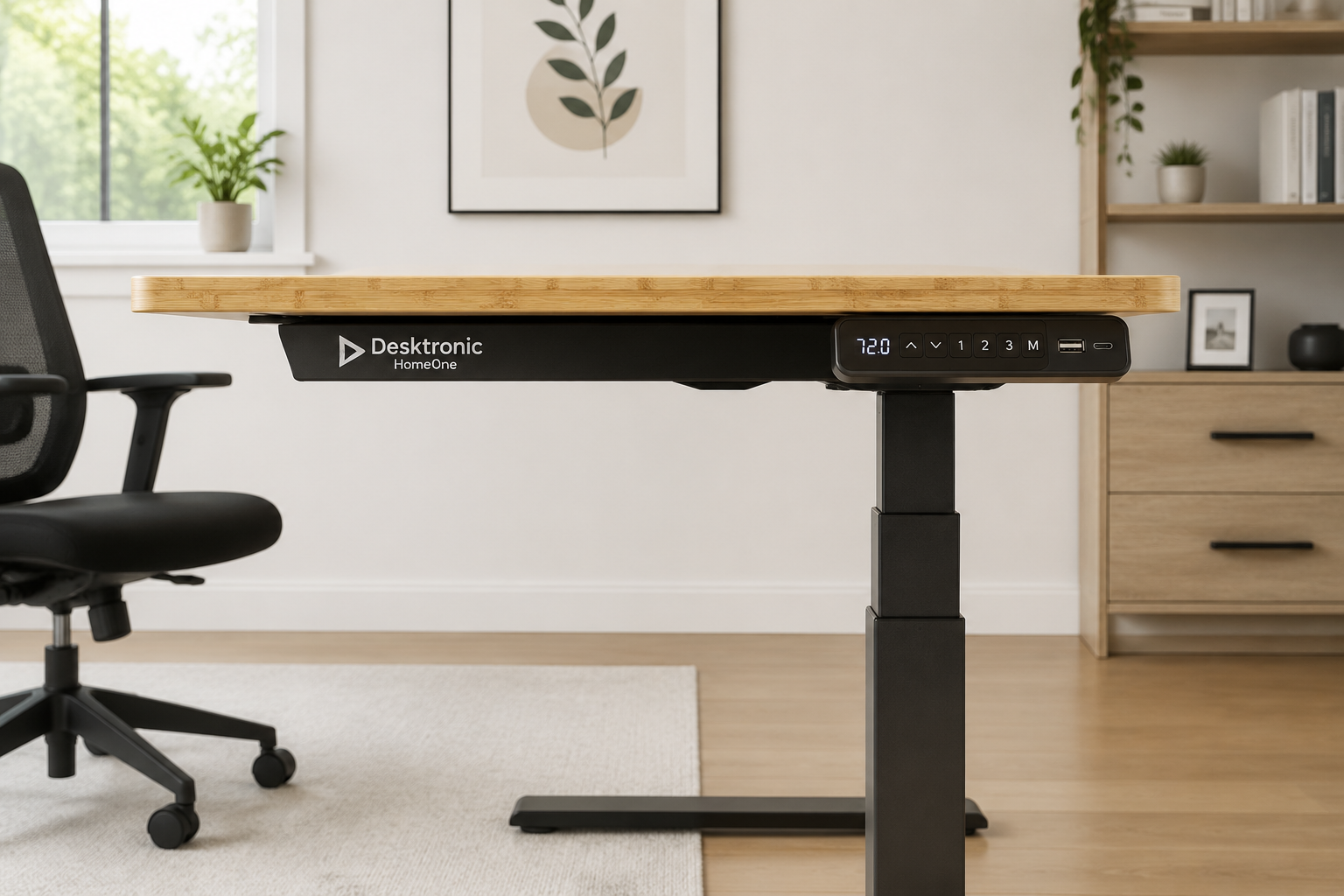
The Desktronic HomeOne is the entry point into Desktronic’s lineup and the right answer for most people who want a dual-motor electric desk without spending over $500. It trades the HomePro’s extended height range and faster motor for a lower price and a simpler two-stage frame.
Key Features
- Two-stage dual-motor system, height range ~28.9″–47.1″
- Lift speed ~1.3 in/s — adequate for daily use, though slower than HomePro
- Lifting capacity up to ~264.6 lbs, sufficient for dual monitors and a laptop or desktop
- Touchscreen controller with three memory presets and integrated USB-A and USB-C ports
- One-piece tops up to 60×30″ in laminate or bamboo
- IGR certification, anti-collision system, 5-year warranty, and 30-day money-back guarantee
✅ Pros
- Lower starting price ($459 on sale) makes it accessible for budget-conscious buyers
- USB-A and USB-C ports on the controller add everyday convenience
- IGR ergonomic certification and anti-collision protection included at this price point
- Clean, one-piece tops with a solid feel
❌ Cons
- Height range tops out at ~47.1″, which may not suit users over 6’2″
- Maximum top size is 60×30″ not enough for wide multi-monitor arrangements
- Slightly slower and marginally louder than HomePro under load
Who It’s Best For: Home office workers of average height who want a reliable dual-motor desk with charging ports built in, without paying for features they won’t use. If you’re between 5’4″ and 6’1″ and run a standard two-monitor setup, the HomeOne covers everything you need.
Check Desktronic HomeOne Latest Price and Availability on Amazon <—-
FlexiSpot E7 Pro Standing Desk
The FlexiSpot E7 Pro is the step-up variant over the standard E7, adding a higher weight ceiling and an optional C-shaped frame that opens up under-desk storage. Guide noted a starting price around $599 for a basic 48×24″ configuration, but current pricing varies and should be confirmed through the FlexiSpot configurator.
Key Features
- Lifting capacity up to ~440 lbs — the highest in this comparison outside the E7 Plus
- Height range ~25″–50.6″ (without desktop), covering a wide range of user heights
- C-shaped frame option creates open space under the desk for storage units or a desktop tower
- Extended cable management tray with a magnetic fabric cable cover
- 15-year warranty on frame and motors
✅ Pros
- 440 lbs capacity is well above average and handles the heaviest professional setups
- C-frame option is a unique feature not available on any Desktronic model
- Extended cable management is cleaner than the standard E7’s tray
- Long 15-year warranty
❌ Cons
- Higher cost than the standard E7, especially with large or premium tops
- Configuration-based pricing requires extra steps to get a final number
- Large, heavy frame is overkill for typical home-office use and adds shipping and assembly effort
Who It’s Best For: Power users running multiple large monitors, audio workstations, or heavy desktop PCs who also want under-desk storage flexibility. The C-frame option alone makes this worth considering if desk organization matters to you.
Check the Latest Price and Availability for the Flexispot E7 Pro Here <—-
FlexiSpot E7 Plus Standing Desk
The E7 Plus sits at the top of FlexiSpot’s standard E7 family, offering the highest static capacity in the lineup at around 540 lbs. Reviewer pricing estimates range from roughly $900 to over $2,000 depending on desktop size and material, making it the most expensive option in this comparison.
Key Features
- Static capacity ~540 lbs, lifting capacity ~440 lbs
- Lift speed ~1 in/s
- Designed for improved stability at taller standing heights
- Available with tops up to ~72×30″ in solid wood
- Advanced controller with presets, digital readout, and optional collision avoidance
✅ Pros
- Highest static capacity in this comparison, appropriate for truly demanding equipment loads
- Large solid-wood top options for users who want an expansive, premium surface
- Stability at tall heights is a specific engineering focus
❌ Cons
- Expensive — solid-wood configurations can exceed $2,000
- The gap between static (540 lbs) and lifting (440 lbs) capacity can confuse buyers
- Heavy frame and large tops make shipping and assembly demanding
Who It’s Best For: Professionals with genuinely heavy equipment loads, think audio engineers with rack gear, video editors with multiple large displays, or users who simply want the most capacity available and are prepared to pay for it.
Check the Latest Price and Availability for the Flexispot E7 Plus Here <—-
Buying Guide: What to Consider Before You Choose
Height range is the most important spec most buyers overlook. Before comparing prices or motors, measure your sit and stand heights. A desk that doesn’t reach your ideal standing height is useless regardless of its other features.
If you’re under 5’4″ or over 6’3″, the HomePro’s ~25.4″–51.2″ range or the E7 Pro’s ~25″–50.6″ range are the safest choices here.
Weight capacity: be honest about your setup. Add up your monitors, PC or laptop, monitor arms, and accessories. Most dual-monitor home setups land well under 100 lbs, so the 264.6 lbs capacity of the HomeOne is already more than enough. The 352–440 lbs options matter mainly for triple-monitor rigs, heavy desktop towers, or studio equipment.
Lift speed affects daily experience more than specs suggest. At 2 in/s (HomePro), moving from 29″ to 45″ takes about 8 seconds. At 1 in/s (FlexiSpot E7), the same transition takes roughly 16 seconds. That difference compounds over hundreds of daily adjustments. If you switch positions frequently, faster is meaningfully better.
Desktronic HomePro vs FlexiSpot E7
Warranty length vs. return policy: different kinds of protection. FlexiSpot’s 15-year warranty is impressive for long-term peace of mind. Desktronic’s 30-day money-back guarantee is more valuable in the short term, it lets you test the desk in your actual workspace and return it if something doesn’t work. Consider which risk matters more to you.
Top size and material affect both usability and price. Larger solid-wood tops can add $200–$500 or more to any configuration. If you don’t need a 70″+ surface, starting with a 48×24″ or 60×24″ top keeps costs reasonable. For guidance on setting up a complete ergonomic workspace, our article on choosing adjustable height office desks covers what to look for beyond just the frame.
Don’t forget the chair. A standing desk improves posture during standing hours, but most people still sit for a significant portion of the day. A desk upgrade paired with a poor chair is a partial solution. If you’re building out a full ergonomic setup, consider reading our guide on back-friendly office chair options alongside this comparison. For users who alternate between sitting and standing, our overview of benefits of standing desk chairs is also worth a look.
Check Desktronic HomePro Latest Price and Availability on Amazon <—-
Check the Latest Price and Availability for the Flexispot E7 Here <—-
FAQ
Q: Is the Desktronic HomePro worth the price over the HomeOne?
Yes, if you’re over 6’1″, under 5’4″, need a top larger than 60×30″, or want faster transitions. For average-height users with standard setups, the HomeOne covers the essentials at a lower price.
Q: Does the FlexiSpot E7 have a money-back guarantee?
FlexiSpot’s standard return policy applies to the E7, but a prominently advertised 30-day money-back guarantee like Desktronic’s is not highlighted on the E7 product page. Check FlexiSpot’s current return terms before purchasing.
Q: Which desk is better for very tall users?
The Desktronic HomePro (51.2″ max) and FlexiSpot E7 Pro (50.6″ max without top) both accommodate taller users well. Add the desktop thickness (typically 1″–1.5″) to get the final standing height.
Q: Can I use a third-party desktop with the FlexiSpot E7 frame?
Yes. FlexiSpot sells the E7 as a frame-only option, which lets you source a custom top. Desktronic’s HomePro and HomeOne are sold as complete desk systems and are not currently offered as bare frames.
Desktronic HomePro vs FlexiSpot E7: FAQs
Q: How difficult is assembly for these desks?
Both desks require assembling the frame legs, attaching the crossbar, and mounting the desktop, typically a 45–90 minute process for one person. The HomePro and E7 are heavier than the HomeOne due to their three-stage columns and higher-capacity frames, so having a second person available for the desktop-mounting step is practical advice for either.
Q: Which desk is best for a small apartment office?
The Desktronic HomeOne in a 48×24″ configuration is the most space-efficient option here. It starts at the lowest price, has a compact footprint, and still delivers dual-motor reliability with USB charging on the controller.
Q: Does motor speed affect noise levels?
Faster motors don’t necessarily mean louder motors. The HomePro’s ~2 in/s dual-motor system is described as near-silent in normal use. The HomeOne is slightly louder than the HomePro under load, though still quiet by standing desk standards.
Final Verdict
Desktronic HomePro vs FlexiSpot E7
Choose the Desktronic HomePro if you want the clearest buying experience (transparent pricing, 30-day returns), the fastest lift speed in this group, and a three-stage height range that genuinely fits users of all heights. It’s the most balanced option for a premium home office or creative studio.
Choose the FlexiSpot E7 if lateral stability and a 15-year warranty are your top priorities, or if the built-in USB-C keypad port is something you’ll actually use. Be prepared to use the configurator to find your final price.
Choose the Desktronic HomeOne if you’re budget-conscious, average height, and running a standard one- or two-monitor setup. It delivers the core dual-motor experience at the lowest entry price in this comparison.
Choose the FlexiSpot E7 Pro or E7 Plus if you’re running genuinely heavy equipment, three or more large monitors, a full desktop tower, or studio hardware, and need the highest weight capacity available. The E7 Pro’s C-frame option also adds unique under-desk storage flexibility.
For most buyers reading this comparison, the Desktronic HomePro offers the best combination of performance, transparency, and value.
The FlexiSpot E7 family is a credible alternative, particularly for users who already trust the brand or have specific stability requirements.
Either way, completing your setup with a well-matched ergonomic chair will make a bigger difference to your daily comfort than any single desk feature.
Our guide on comfortable ergonomic office chairs explained is a practical next step once you’ve made your desk decision.